Yesterday I heard a mother’s testimony to the power of eye gaze to open up a severely disabled child’s communication and ability to make choices Eye gaze has the power to do this and more ! Take a look at these websites:-
Category: Uncategorized
Do not leave a man (or child) behind
This is a tile of a NAACE article I wrote expressing my concerns over the present trend for academies and league table positions that might leave children with SEN behind. Are you a SENCO? Do you have an opinion? Please let me know what you think the current state of SEN in schools is. Please click the link below to read the article:-
https://www.naace.co.uk/uncategorised/do-not-leave-a-manor-child-behind/
Windows 10 update
A very large and laptop changing update came in yesterday for those on the windows insider programme. Watch out for this as it might take time to come through to you, . You do have to agree and give it permission to re-install windows 10 on your machine so my experience was it worked first time but did take a lot more than the 20 minutes it told me it would take. The actual download installed in a usual amount of time but the upload to my machine and installation took 2 hours! One feature that will have some implications for dyslexic users is the note taking facility in Cortana. If you say “Hey Cortana, can you write me a note,” you will then be able to add in a short sentence. Unfortunately it seems to only allow one shot and it automatically goes into OneNote. So what would be useful would be a pause facility. I do like that it goes straight to OneNote! For more about what it does please click below:-
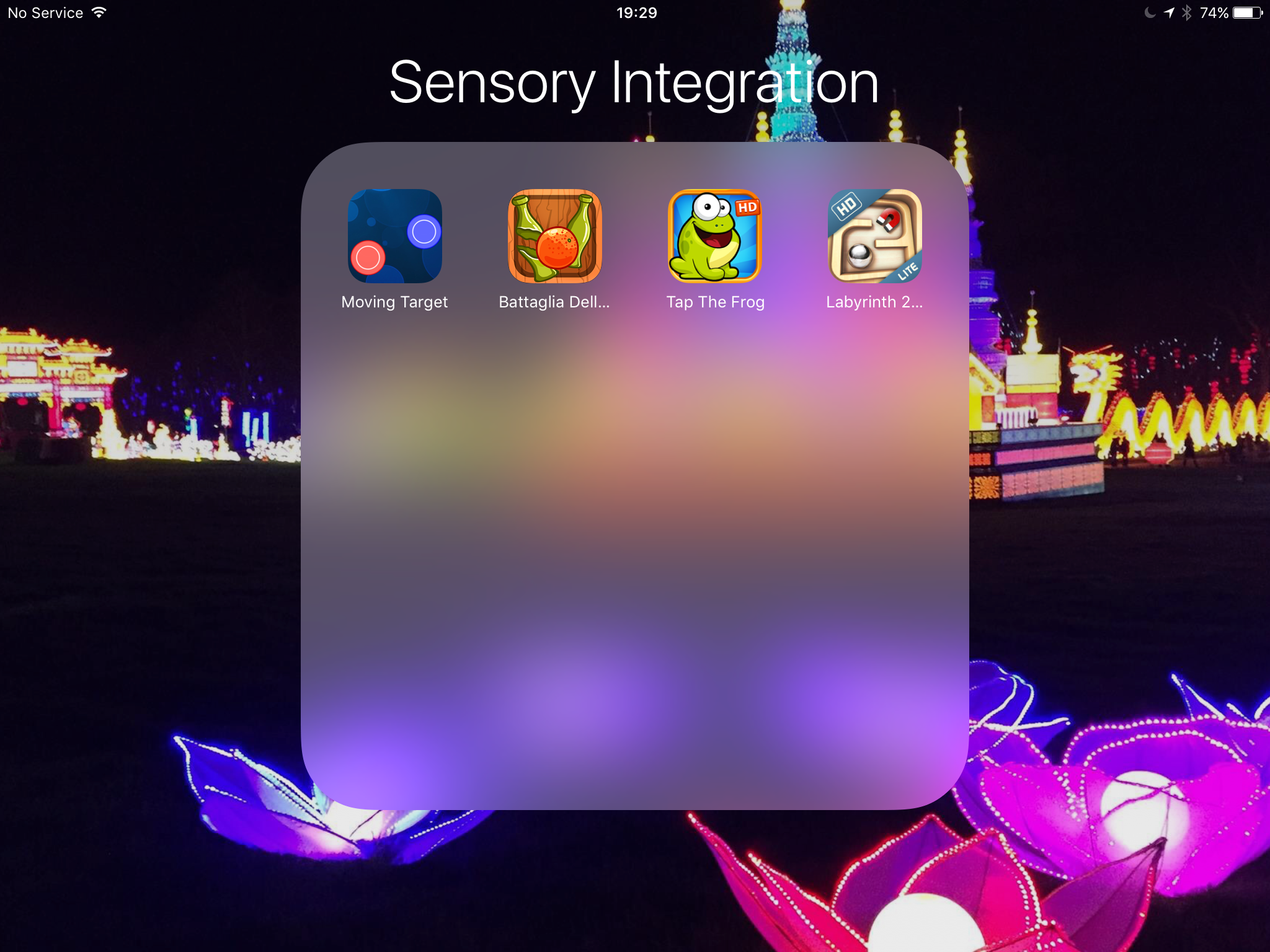
Sensory Integration Apps
A request came in for sensory integration apps from an OT for cognitively able pupils . Considering the need for apps that integrate action with fine motor skills the best way in my opinion to do this is via games, here are my choices:- moving target,labyrinth 2HD , tap the frog and bagatelle del arrance. All these games require skill in integrating fine motor responses.
Lima – a true cost-saving cloud device
Always on the look out for a great device that gives innovation. Lima seems such an idea for one-off cost (£70) you can have portability of all your files and folders across all your devices without the cost of a monthly fees. The way it works it connects your files and you via your external drive and your modem – so its accessible whenever you need it. With powerful encryption that only you can know and access it is safe from hackers – especially if you use an unbreakable code of random letters and numbers. The question to ask is – do you need access to your data all the time – data being photographs, films, documents, etc? I am not sure yet I need that. I do use cloud based storage which I use to do applications with rather than use data all the time. I have a google drive and a dropbox so not sure I need this yet but the idea is based on you being able to access your data remotely – even when you computer is switched off! That maybe a reason. Anyway want to know more?
Have you heard of Google Carboard?
Well I hadn’t until today where I had a tremendous session at NAACE’s ” Making IT better” conference in Leicester today. Had the chance to try a Occulus Rift device which is a virtual headset using a Samsung Galaxy S7 phone. Then someone mentioned Google Cardboard. You can find this at:-
https://www.google.com/get/cardboard/
Literally you print yourself a cardboard headset! Can’t wait to get home and print one out and try it with my iPhone 6. There are only few apps that will do VR but the Android equivalent has loads of apps. I intend to research this and print it here .
Watch this space!
I did try to print one out but you have to buy one I have one on order with ebay and its going to take till 14th April to get it! If anyone knows how to print your own out please reply to this blog
Supporting older students with Dyslexia
On the front cover of Special World you will find a follow-up article looking at the needs of older students with Dyslexia where ICT can help. It’s not a definitive but gives 10 suggestions for the type of products that would help those at work as well as at University.
Here is the link to follow:-
Screening for individual needs
I have come across a couple of useful tools that deal with identification of need. The first tool is doitprofiler. This will identify for your school or workplace a need someone might have and make suggestions to help that individual. Their is a school and workplace tool. Go to http://www.dotiprofiler.com. Costs vary according to the tools used Screening + profiler £48
Vision screening can identify something that is often overlooked when considering someone’s lack of achievement . This free tool can enable you to find out if someone has a visual need. Worth checking your pupils out at http://www.screeningforschools.com/
If you prefer face to face training then take a look at this facebook page https://www.facebook.com/Visualisetraining?fref=ts. It’s not free but might provide you with valuable insights you could make to your organisation . Here is what they say:-
“I would like to invite you to one of our ‘Visual Impairment Awareness Open Courses’. We are running the following courses:
- Manchester 29th March
- Newcastle – 30th March
- Glasgow – 31st March
- London – 4th April
- Birmingham – 5th April
- Cardiff – 8th April
This training session will give you the opportunity to develop the fundamental skills and knowledge to support your visually impaired customers and staff effectively.
The course will cover:
- Main eye conditions and their effects
- Emotional impact of sight loss
- How to guide and assist a blind or partially sighted person
- Appropriate language and effective communication
- Reasonable adjustments in compliance with the Equality Act 2010
- The importance of eye health care
- How the built environment can enable or disable people
If you have any questions please do not hesitate to contact me. Please find attached leaflet and invite your colleagues.
Kindest Regards,
Daniel Williams
Managing Director
Visualise Training and Consultancy
www.visualisetrainingandconsultancy.com
tel:07472305268
Twitter:VisualiseTC ”
Webinair -“Making the workplace accessible”
If you missed the free webinair then don’t dispair! I have made a recording for you to see the main points and listen to. It lasts 35 mins so pull up a chair, a coffee ( or glass of wine if you prefer!) and listen to and learn from Myles as he explains what “making the workplace accessible,” means. Click on the link below.
“Making the workplace accessible -webinair”
Making the workplace accessible
I am doing a free webinair on the 14th March at 3:00pm GMT on “Making the workplace accessible.” This is to look at the following:-
- raising awareness of Assistive Technology solutions in the workplace
- looking at how an accessible workplace can affect the culture of an organisation
- answering your specific questions
This 30 minute session will be an interactive Zoom webinair. You will need access to a webcam and headset to take part and a little code to be loaded onto your laptop. This is free, over the internet tool for delivering a great seminar. To book your place go to:-
“Making the workplace accessible”
If you haven’t booked your place then please do so now! Look forward to seeing you at 3:00pm today!
 AccessAbility Solutions