iPhone 8

Apple announced this week the iPhone 8 and the iPhone X which is an expensive phone which does away with the home key button. The iPhone 8 appeals to me as a photographer as the feature of studio lighting on the camera in live mode would be extremely useful and powerful. I currently use an iPhone 6 and I just love the camera feature and prefer ” the camera in my pocket” to the Nikon I carry around when taking photos. 12mg pixel doesn’t sound a lot but the retina HD makes up for that and hopefully will be a wonderful addition to the Apple Family.

Apple Watch series 3 also will be a useful tool. Apparently ( according to Apple that is!) the Apple Watch is the no1 selling watch in the states at the moment and stories of health and fitness success – and even saving lives dues to undetected medical conditions make it attractive. The series 3 is waterproof and packed with data features to extend its funcitonality including becoming cellular – which means it is a phone now!  In exercise you don’t want to be carrying your phone around so having something on your wrist would be liberating as well as being very useful.

iOS11 is just around the corner with a cleaner looking control panel and some other goodies can’t wait to see if any new accessibility features have been added. So roll on Apple! Kerching!

Swype – Android

Free and Low Cost Assistive Technology of the Week 12/17 Swype – Android

Swype is a great onscreen keyboard for Android – which now integartes Dragion Dictate into itrs features

Some of the new features include

* Emoji prediction based on text analysis
* Number row option
* Text engine improvements
* Handwriting improvements

Swype lets you customize your keyboard including long-press delay, vibration duration, keyboard height and mini left/right keyboards in landscape mode.

Swype enables you to backup your personal dictionary to the cloud and synchronize it with any Android device with Swype on it – never lose the words that you add to your personal dictionary again! (Opt-in feature)

Swype keeps you always up to date with a real-time, crowd-sourced and news derived language model that gives you immediate access to our continuously updated language dictionary. Imagine having instant access to the hottest words and phrases that people are using at that moment.(Opt-in feature)

Word Prediction – Language models train your device to learn your unique vocabulary and predict your words based on previous usage, Swype can predict commonly used words and phrases.

Swype supports more than 80 downloadable languages and dialects.

Swype now lets you enter words from two languages at once! Words suggested by Swype will automatically adjust to your bilingual language preferences.

Swype features three unique tablet keyboard designs: a full screen keyboard, a small and moveable keyboard, and a split screen keyboard.

Swype comes with voice recognition so you can go hands-free and dictate text quickly with a simple press of the voice key on the Swype keyboard.

Use Swype gestures for quick everyday tasks such as:
• Select All (Swype key to ‘A’)
• Cut (Swype key to ‘X’)
• Copy (Swype key to ‘C’)
• Paste (Swype key to ‘V’)
• Search (Swype key to ‘S’)

Swype supports Android’s “Talkback” and “Explore by Touch” accessibility features. When accessibility features are enabled the user’s entered text will be spoken back.

Swype Keyboard screenshot

Download from

https://play.google.com/store/apps/details?id=com.nuance.swype.dtc

Want to change how you receive these emails?
You can update your preferences or unsubscribe from this list

Also you can subscribe to our free weekly newsletter and roundup of all that is happening in the world of Access and Inclusion through Technology at

http://paper.li/e-1452749534  

BETT Show Report 2017

And what a show it proved to be. Sir Ken Robinson spoke to a packed out audience of several hundred people on the importance of creativity and outdoor learning in our schools. It was inspirational. To hear the full talk go to:-

Sorry about the sound quality!

So what was seen and what is of worth pursuing for special needs teachers?

VR was a big thing at BETT this year with lots of companies promoting VR headsets. Tablet Academy put on a live workshop and gave experiences to users in the use of these tools. For more information click on the links below:-

VR Headsets -Tablet Academy 1

VR Tablet Academy Part 2


Information was given to by ClaroSpeakk on the use of screen readers in exams. It’s very useful and promotes the use of technology over the use of amenuensis methods. It gives background and advice on those seeking to make their pupils more independent and therefore more able in the exam setting.


Clarity – Sound, lighting and audio visual systems for Education. They are a small company working with a range of specialist settings producing easy to operate sensory rooms. They work in a bespoke manner so if you are thinking of incorporating this equipment or even re-vamping you old room do give them a thought. Lovely friendly people to approach!


Something that I thought was really good for ESL and for SEN was an app called “chatta” but its more than that. I spoke with the makers at length and they see this as part of an ongoing support relationship. They want to ensure that the methods both IT and paper-based really work in your setting. Go to: http://www.chatta.co.uk.for more details. There free iOS app allows you to place a spoken message under an image. This can then be levelled to a pre-set standard or your own which makes it very flexible for the classroom and in meeting a range of language needs. I needed no manual to learn and individual users can be easily set up in a class to have that individualised approach needed for meeting the language needs of those from other countries


sensory guru – mobile floor projection

Another example of bringing interaction to floor level but in a mobile unit. Very easy to setup and use. You need to angle your use correctly as incorrect use will produce an unwanted shadow on your display.


tootoot – all aspects of safeguarding into one easy platform

https://tootoot.co.uk/features#student-voice

I liked the integrated approach of tootoot as it empowers the pupils themselves to report instances of bullying, cyber bullying, racism, extremism, radicalisation, sexism, mental health and self harm. You can have a free 6 months to try it out after which you are placed in a lucky draw for a free license. Great for Safer Internet Day on the 7th Feb!


hopspotshttp://www.hopspots.dk/en

Another interactive tool which I thought would be useful it works on using discs that light up in different ways to perform all sorts of tasks and games. Very engaging and flexible and can be programmed to do what you want it to. It works off an iPad app and the discs come with a charger unit. Unfortunately, it is not cheep and I did tell them to consider their price structure for the current situation in the UK!


gcsepodgcsepod.com – mainstream secondary apps. Lastly, but not least a system that may not be a trailblazer in the cool looks stakes but is incredibly useful in setting and completing homework using both computers and mobiles as this is cloud-based. Worth a look as it was one of the apps pupils at a secondary school said they used often. Because it just does what it says on the packet and does it well and quickly.
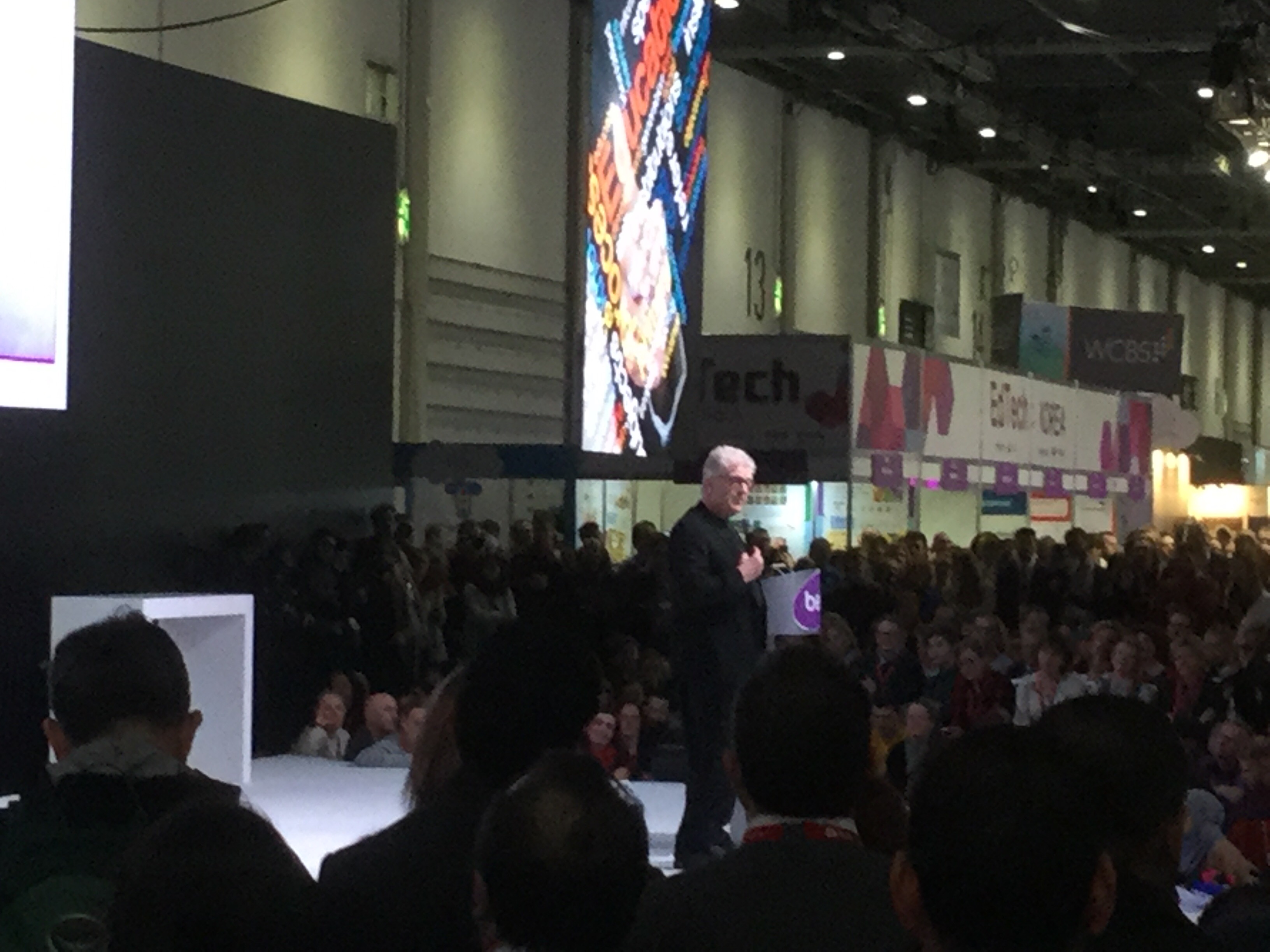


And here is the great man himself! Sir Ken we salute you!

It’s good to have someone of his stature speaking his mind as to the problems and the solutions to what is our broken education system. I do hope teachers will get the message that we have power to change things. Even small changes make huge differences. So don’t give up! I believe that happy children make happy learners and that includes the great outdoors, the creative arts and physical education. SIr Ken said we were in the time of experiencing a much reduced curriculum that is not able to meet the challenges of the 21st Century and that we need a learning revolution of which new technology plays its part alongside a host of other means to create those happy learners.

Glisser

At BETT they used this tool for presenting and engaging audiences. What impressd me was the fact tha despite the amount of people and the difficulties with wifi that large venues might have this tool worked perfectly every time, working with Powerpoint as an extension it enables presenters to engage audiences and share on social media. I found this very powerful and liberating but don’t take my word for it look at this video link:-

Glisser

And here is that photo!

Sir Ken Robinson 

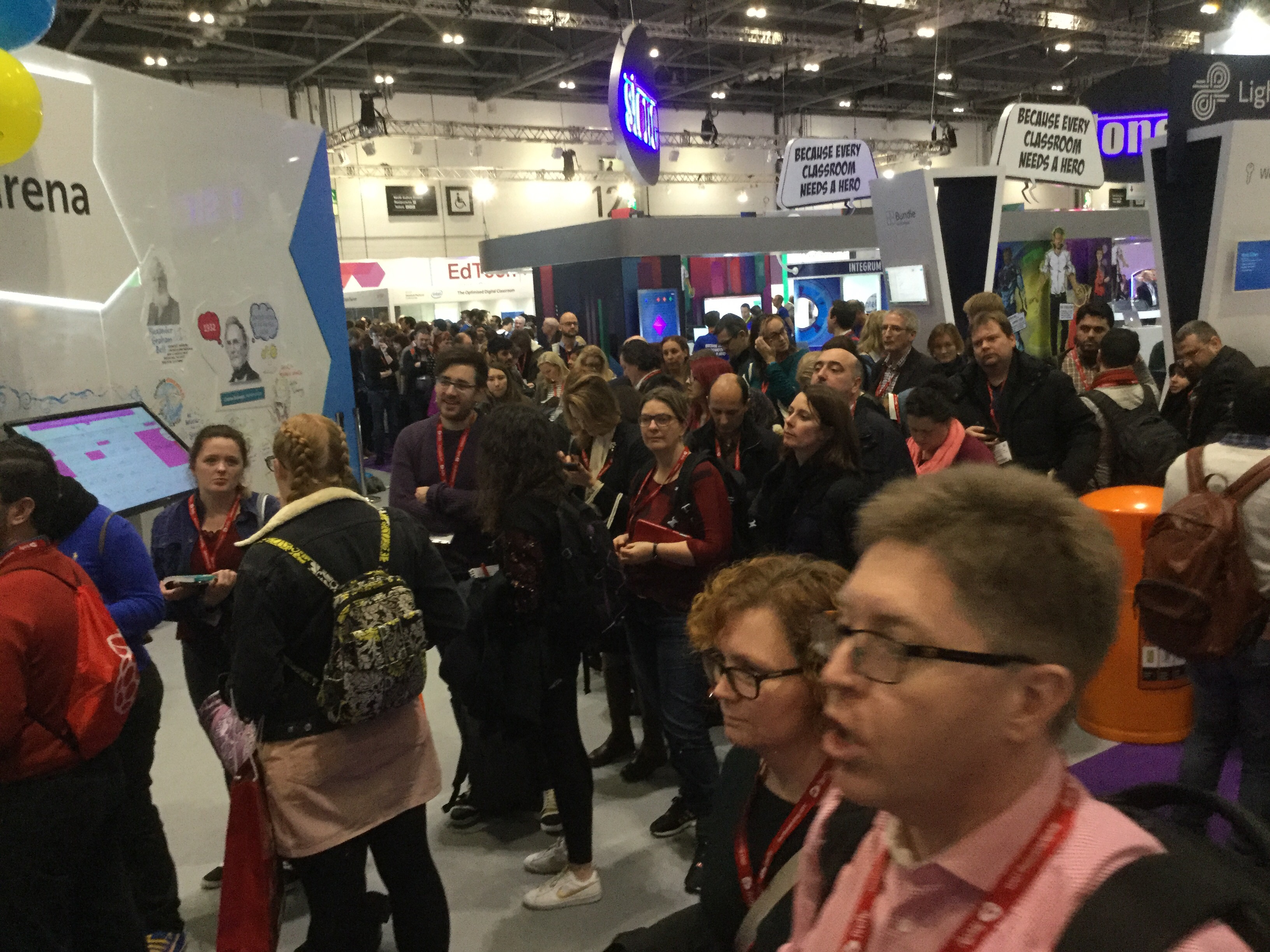
The queues!
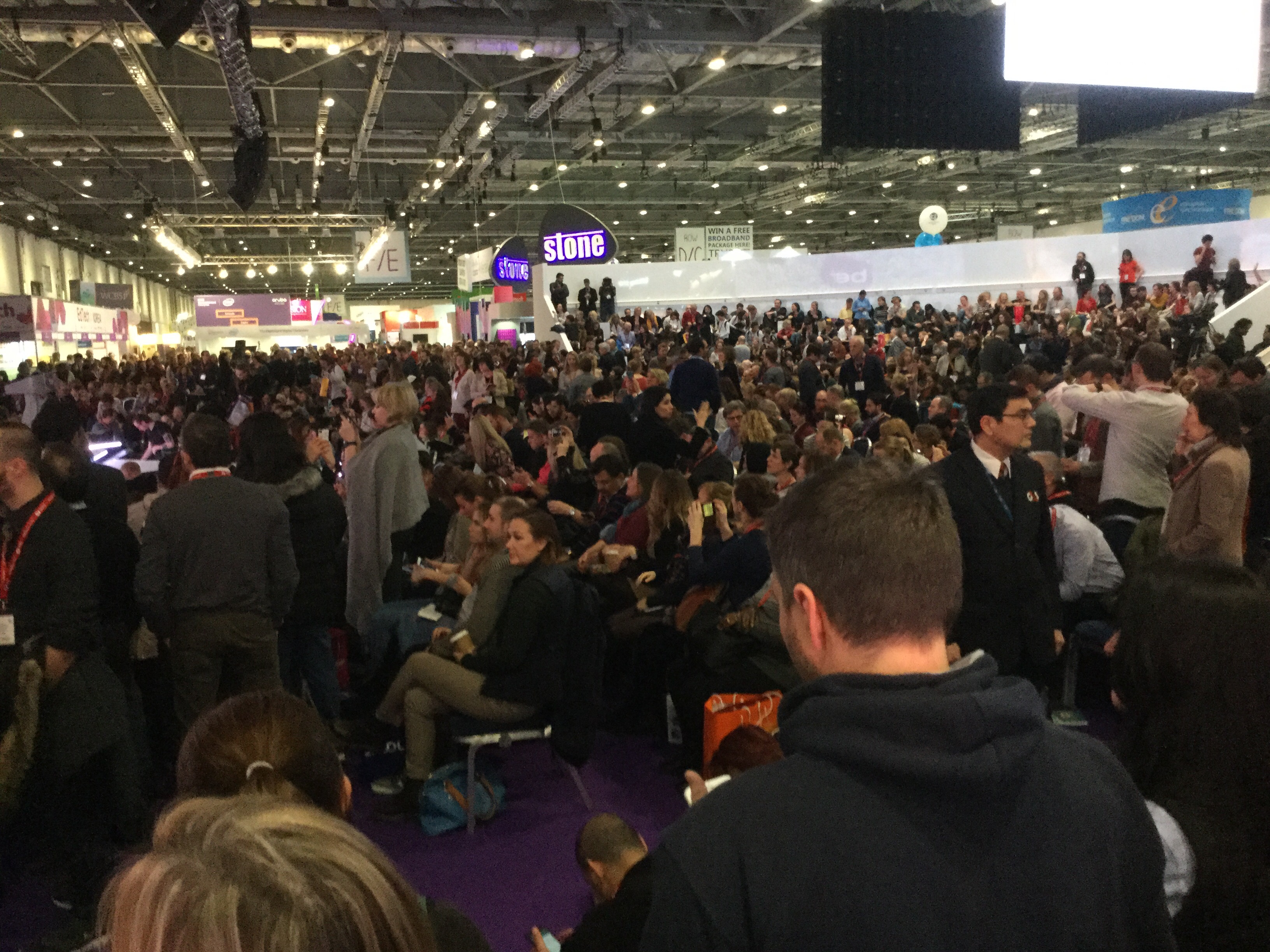
And the inside – 20 mins before he speaks!

Ooo No 2 in the question chart for Sir Tony Robinson

Alas there wasn’t time to ask it! But why not think of returning education back to schools and LA’s? Doing education the present work hasn’t worked so let’s try the alternative. Sir Tony agrees the present system hasn’t worked as he call it since ” Biker Gove” or is that “Gove” so why not go back to a time that I remember when teachers were respected, supported and most importantly funded!…… Before politicians got their hands on!

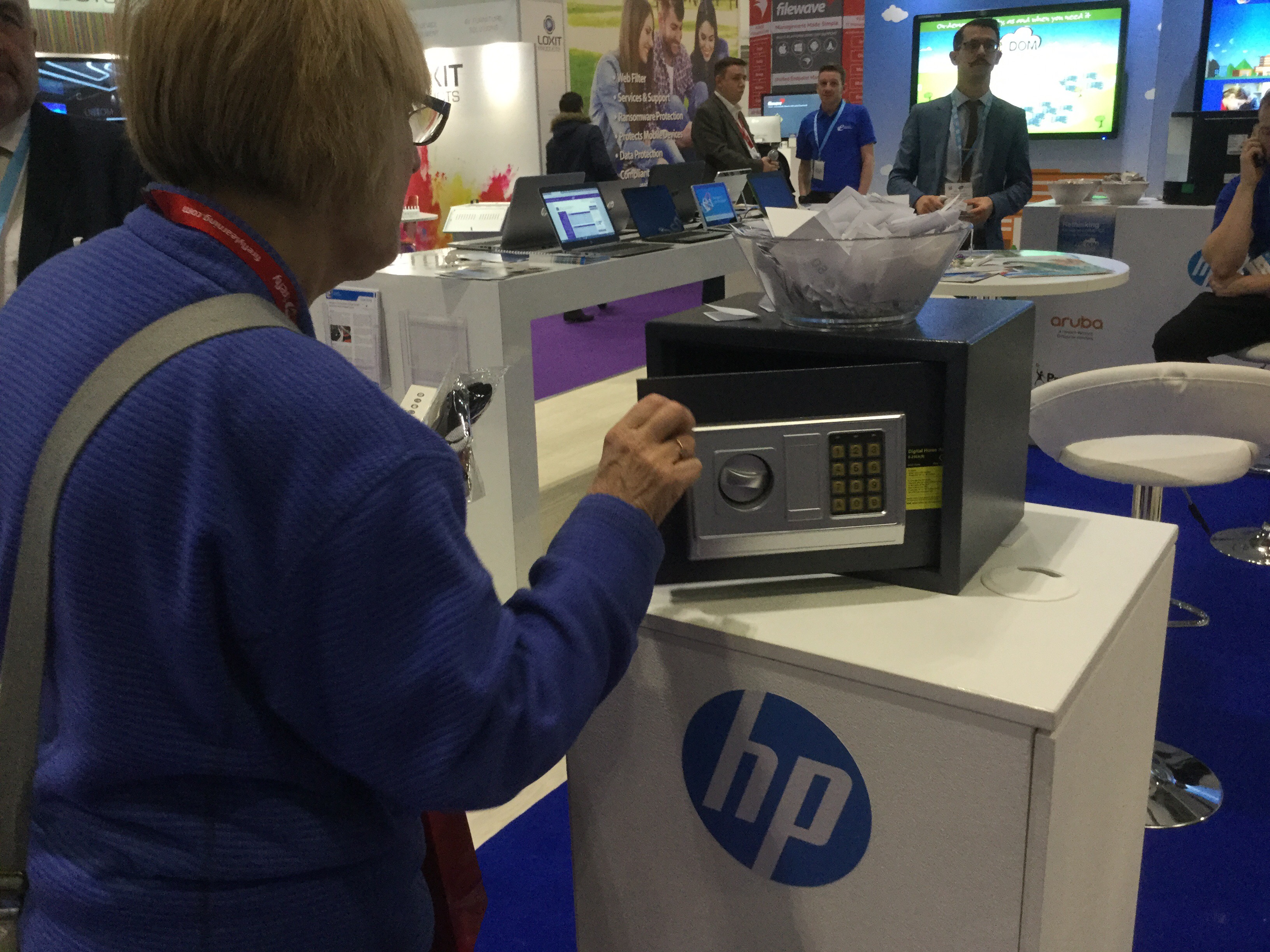
Cath cracks it!

On the european electronique stand ( which isn’t french by the way – or european for that matter!) they had a challenge to crack a safe with a set of numbers given to her. And guess what she won!!

On BETT radio

Look who was on BETT radio today on Anderton Tiger with Russell Prue. Talking about the need for accreditation for Assistive Technology in the UK as well as talking the need to motivate through pupil preferences to use switches. Great times!