eBooks and their use in supporting struggling readers

I have written some advice about using ebooks that may interest our readers. Do you any sources of ebooks that enable struggling readers to use? All phases from reception to secondary. Anyway. please take a look:-

eBooks and their use in supporting struggling readers


To create a simple text only ebook from word

  1. Write your text in word and save as a .PDF
  2. Go to epubbud.com ( you will need to create an account)
  3. Follow the on-screen instructions to upload a book
  4. Download the book either on the device your students use or the device you use.
  5. You can email the attachment to any device.

To upload to HandyBooks on an Android mobile

  1. Load the full version of Handy Books
  2. Click on Library ( top right of screen)
  3. Go to “File Tree”
  4. Click on “Memory Card”
  5. Scroll down to “Download”
  6. You should see your file and now click on the file
  7. You will see an icon like a book at the top right
  8. Click on that and your book loads!!

Value of Chrome to Dyslexics

I came across this article and has I am often recommending Chrome to the readers of this blog as part of your SEN strategy I thought it would be useful to add its contents here. There are suggestions for apps to try. Some have to be purchased , others are free:-

https://www.noodle.com/articles/6-google-chrome-apps-students-with-dyslexia-should-try

Chrome and Dyslexia

One of the most important features of today’s assistive technology is that it allows students with dyslexia to complete their work alongside their non-dyslexic classmates without having to use special devices. Like the iPad, Chrome provides tools that all students can use, regardless of language ability. Chrome, however, is not device-specific. The advantage of Chrome AT is that the extensions and apps are associated with individual Google accounts. Because of this feature, students can use their AT on all desktop computers (not just Chromebooks) by signing into their accounts in the Chrome browser. That ability vastly increases their access to personalized accommodations.

As more developers create AT-related extensions and apps, Chrome stands to become a popular option for students needing help with language-based activities. We may be hearing the words “Google” and “dyslexia” in the same sentence a lot more often.

More from the Google for Dyslexia series:

Evernote – a tool for Dyslexics

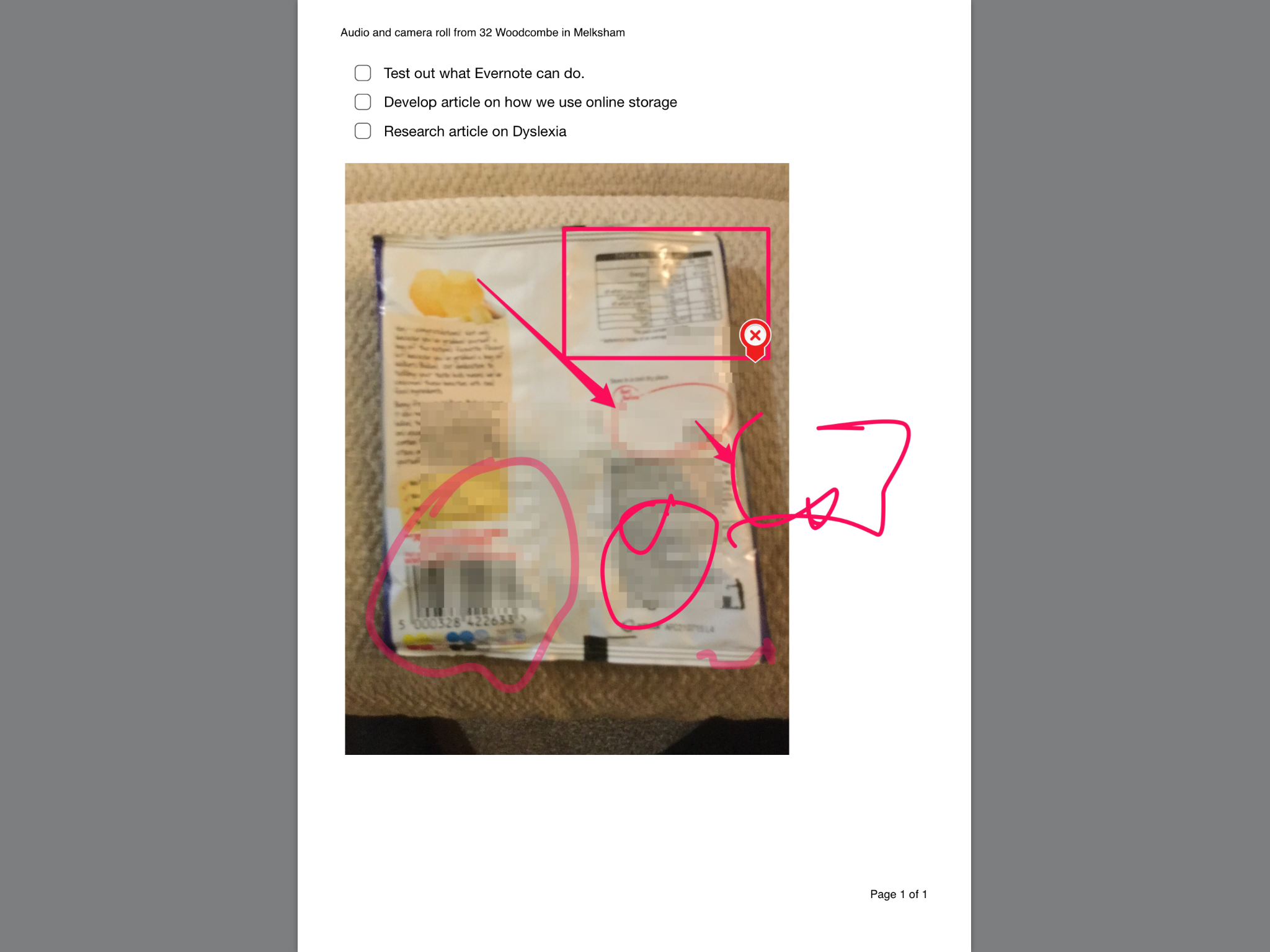
Evernote I first joined and used in 2013. I found it a very useful tool then. But this latest version has some great features for Dyslexics that would help them such as:-

  • Having a full range of media to use that seamlessly works together – audio,text, photo, draw, ocr would be nice to add as it’s almost there with the photo annotation feature. Why not include OCR?
  • Notes can be shared to multiple formats – I like that it can be a PDF to print or share with email or send a link. Really important for homework and assignments. 
  • Chat – what a way to have instant contact with a colleague, peer or pupil , and maybe some tutoring from your teacher who set the work. 
  • Notes are automatically tiltled and date stamped which is a boom to dyslexics to enable work to be tracked


For teachers

  • Being able to blur out pupils faces makes this a great tool for protecting pupil’s identities
  • Links can be used to put assignments online pupils can access 
  • Collaboration between staff and pupils using files placed here
  • Chat is a really useful support tool for teachers to support pupils directly on their work
  • Presentation mode enables work to be made here and then shared as an alternative to PowerPoint 

So as a tool for the classroom look at Evernote as a cloud-based solution that has practical classroom applications . Other cloud storage just keeps the files in place but Evernote included note taking facilities that would really enable all pupils to achieve their full potential.

….And finally ( for today at least)

Coggle  is a mind mapping tool from Google which I am sure no one has really heard about. It can be free as a paid product to have more control over the use. Take a look at:-

https://coggle.it/

And for an example of what’s possible go to:-

https://coggle.it/diagram/VfQqad5caWRBKzhf

It’s a cheap and easy way to share a mindmap – and yes their are many like this out there. I suppose it’s  a matter of choice and what you like to use. I have listed these in previous posts before so troll through my past posts on MindMapping tools

Have you taken a look at my QM page on this site

Quad Media(QM) is a term I haveg used. Like Quad blogging but with multimedia. No one has yet has taken up the idea of having a multimedia blogging group that shares their media through so have a look at my examples. It would be great for schools and settings to share with each other the animations, flims and other media they have taken. I will put up a Persicope film today sometime to show how this can be a tool for sharing events live! Speaking from where ever you are in realtime, Using our smartphones such amazing opportunities for film production is possible. Let me demonstrate to you later today at :-

https://aas123.com/qm/

Reaching 12,000 hits & 850 people have subscribed!

This site has been going for 3 years now and so has accumulated a following. We are soon going to reach 12,000 hits with 850 people subscribed to receive info as it is posted directly. This is all without advertising or paying for adverts. I did invest in advertising which was a mistake as absolutely nothing came of it! Therefore, I steered away from advertising and consider each request very carefully as I can see the value of SEO and the Facebook adverts, etc. Word of mouth and passing on posts via my facebook and twitter feeds have been very useful. My linkedin pages also generate interest. I have an “Apps for Special Education,” group there which has 4,254 members. Do take a look over there.

If you have suggesting for making this blog site more widely available I’d be happy to listen and respond to your request! Always open to  new ideas!

Brennaninnovators.com have sent in this list for Autism

Thanks to Joan M.Brennan for this list of sites which I have included in our resource section under Autism Weblinks .

If readers here are interested in even more autism resources, please consider visiting my blog—“Help for Struggling Readers.” The following articles may be helpful:

1. BEST Apps for Autism-2015
http://helpforstrugglingreaders.blogspot.com/2015/01/best-apps-for-autism-2015.html

2. Helpful Literacy Tools & Resources for Autism
http://helpforstrugglingreaders.blogspot.com/2014/09/helpful-literacy-tools-resources-for.html

3. A Dozen for Autism–A Book List for the Spectrum
http://helpforstrugglingreaders.blogspot.com/2012/07/dozen-for-autism-book-list-for-spectrum.html

4. BEST Apps for Sensory Processing Issues
http://helpforstrugglingreaders.blogspot.com/2015/04/best-apps-for-sensory-processing-issues.html

I hope you will find these helpful to individuals with autism who also have reading challenges.

Windows Surface Pro 4

I have mentioned here that I find the Windows  Surface Pro 3 the fastest PC I have ever owned. Manily due to the solid state hard drive and processor power. The Windows Surface Pro 4 is not yet released in the UK and gives the user a wider screen and the pen now rubs out and is magnetised to latch to the top of the surface. Anyway here are the details. Watch out for the SurfaceBook which combines all the benefits of a Surface but more of a combi laptop/tablet! Click on link below to view the information:-

Windows Surface Pro 4

If you scroll down the above links screen you will see mentioned the Microsoft Band. This fully integrates data from the band to Microsoft applications that keep a track of your fitness levels. Sounds a great tool for health and fitness.

Call for weblinks!

Seeing what Patricia has sent me has given me an idea does anyone else out there have websites they can recommend? Please send me them . It would helpful to have a similar format – title and weblink. Also to know if its targetting a particular need or area. I intend to add what you send me to the resource bank eg Cerebral Palsy Weblinks, Physical Disability Weblinks. Or it could be more general – Teaching Weblinks, Professional Weblinks or Parent Weblinks.

A website is a website – so please send me your suggestions to myles@aas123.com . Love to hear from you!

Autism websites – as sent in by a parent of a child with autism

I had this response sent into this website by a parent which sounds extremely useful for other parents to know. So thanks Patricia Sarmiento! I will also add them to my weblinks as well.

As the mother of a special needs child – my son, James, has autism – I understand the unique challenges that parents, families and educators of these exceptional children face daily. Many days run smoothly, but let’s face it – some days are more of a struggle than others.

In honour of school being back in full swing, which always presents many changes to our children’s routines, I decided to create a list of some of the articles I’ve come across in the past few months that shed light on many of the ways we can support our special needs kids. I’m passing these resources on to you in the hopes that you’ll share them with your audience, too. I believe they’ll make a great addition to your site (especially if included here: http://aas123.org/dyslexia-and-send-weblinks/)!

Home Safety for Kids!

http://www.mortgagecalculator.org/helpful-advice/home-safety-for-kids.php

5 Important Reasons Why Your Child Needs Routine to Succeed

http://www.nwresd.k12.or.us/autism/FiveImportantReasonsWhyYourChildNeedsRoutinetoSucceed.html

PBS Parents: Communication Strategies for Children with Learning Disabilities

http://www.pbs.org/parents/education/learning-disabilities/strategies-for-learning-disabilities/communication-strategies/

Create Your Own Anti-Anxiety Kit for Children

http://www.thechaosandtheclutter.com/archives/create-your-own-anti-anxiety-kit-for-children

5 Ways for Teachers to Help Students with Special Needs

http://www.specialneeds.com/activities/general-special-needs/five-ways-help-students-special-needs

Adapting the Childcare Environment for Children with Special Needs

http://www.extension.org/pages/61358/adapting-the-child-care-environment-for-children-with-special-needs

Disability Remodeling

http://www.improvenet.com/r/costs-and-prices/disability-remodeling-cost

Financial Assistance for Accessibility Home Repairs and Modifications

https://www.disability.gov/disability-can-get-help-modifying-home-make-accessible/

A Guide for Disabled Homebuyers

https://www.redfin.com/blog/guide-for-disabled-home-buyers