This is a Windows8 app development tool. You can even use it on an apple. Making your ipad a kind of windows 8 tablet! Gives an insight into coding and programming for your pupils.
Tag: Uncategorized
IOS 7 is here!
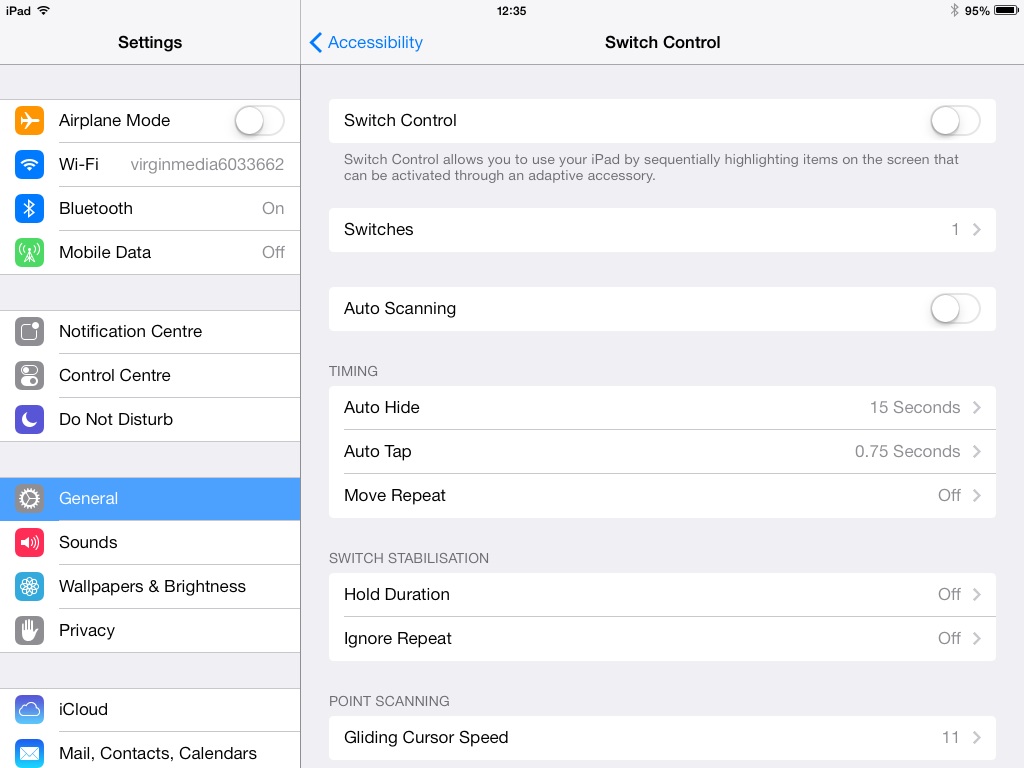
iOS 7 is here and its a good news for switch users. External switches can be attached to the iPad and settings are built into the operating system. They are comprehensive settings covering aspects such as switch held delay and scanning . As for the rest of the update it may not be so good for those with dyslexia and visual impairments. The navigation icons on safari are line drawn symbols (good) but they are small. Also, this clean look apple wanted would not help dyslexic users a grea deal as they need coloured backgrounds. invertiing the ipad background gives unwanted negative images so i think my present impression is one of “could have done better” for those with special needs of dyslexia and visual impairments. I am currently upgraded an ipad mini which has Siri on it to see what improvements apple have made there.
By the way be careful if you play with the switch settings and you don’t have a switch! I found I’d completely locked my ipad! Only by switching completely off could i reset the ipad.
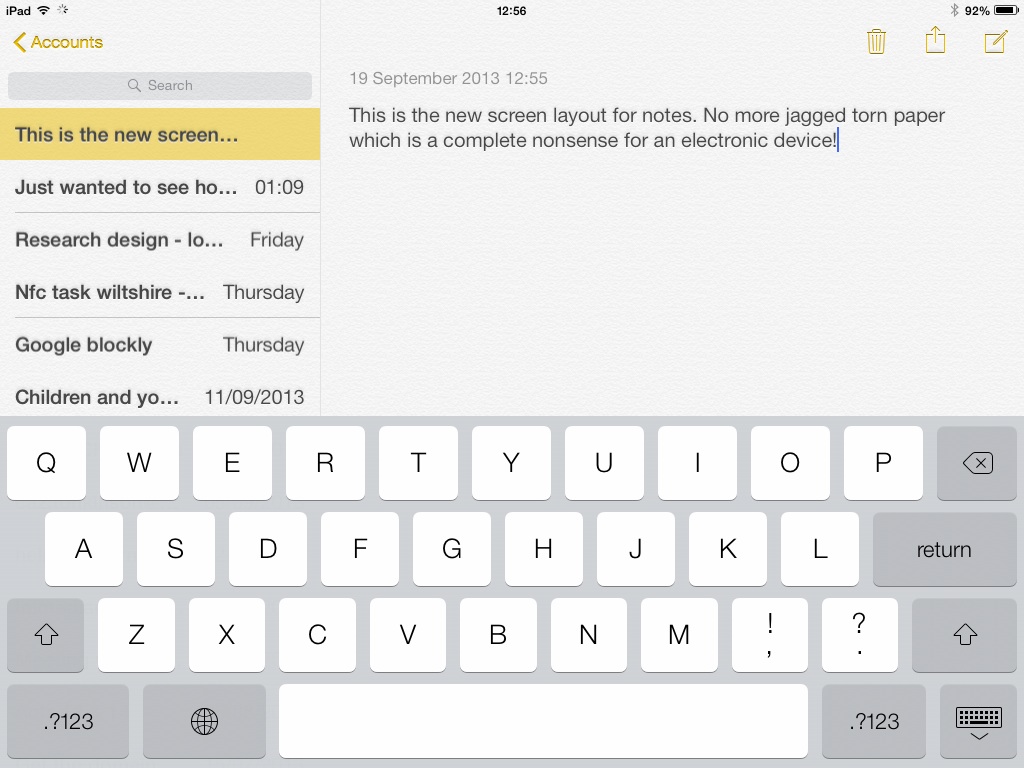
Here is the writing layout in notes which although may be difficult for dyslexic users -lets try it out and then decide – but actually looks and works more functionally
Post Promise ” Each week a new post will be posted to the blog.”
Yes, that’s right I generally post more than once a week but keep your eye on this blog and receive some quality information I am sure you will find useful! Why not share me now on a variety of social media tools.
The tool I am spotlighting is a free video conferencing tool which allows you to connect with your audience. Webairs are cheap and cost – effective tools for the internet age and can be easily arranged using:-
http://www.anymeeting.com/default3.aspx
You can share powerpoint presentations, youtube clips and have people watch your face ( maybe not such a big sell that last one!). The main thing is this enables distance learning and communication remotely with colleagues, contacts and friends to share ideas and to collaborate using this method. Dates have to be pre-arranged and people invited. Although there are excellent subscription based tools this does most of it except record your meeting for free! You can, of course, pay an annual subscription for such a facility but that can be costly for individuals to use. Anyway, have something to say? Want to share it widely, visually and cheaply? This is the tool for you!
Last call for Mobile Technolgies for SEN
Please register if you want to join me on this webair. It will only last for 30 mins
https://www.anymeeting.com/AccountManager/RegEv.aspx?PIID=E958D680834E3B
Mobile Technologies for SEN – Video Conference Meeting
I am trying a new way to engage with colleagues. This is a trial at running my own webair. If you are free for half-an-hour from 10:00-10:30pm on Wednesday 18th September then please fill in the registration sheet below :-
https://www.anymeeting.com/AccountManager/RegEv.aspx?PIID=E958D680834E3B
Thank- you!
See you on Wednesday!!
Inspire Away for Early Years Teams
My colleague and good friend and pastor’s wife – Sharon Firth has put together a great package for early years teams. She is great motivator and activities are done that will foster good communication and team building. Please click the flyer below for more details:-
Inspire Away for Early Years Teams
My colleague and good friend and pastor’s wife – Sharon Firth has put together a great package for early years teams. She is great motivator and activities are done that will foster good communication and team building. Please click the flyer below for more details:-
Exciting Learning: Using Technology to Improve Eucation

http://www.slideshare.net/Microsofteduk/microsoft-exciting-learning-ebook
A handy tone from Ollie Bray! The ideas support the premise that good learning should take precedence over the technology. This is a key principle I believe when providing solutions? Does the IT dominate or can it be an integrated tool the person uses? Some technology does get in the way by virtue of what they are – eye gaze systems but as the drive to smaller, more integrated technologies occur the more tool-like they all become. I like the diagram on page 7 – displaying the kind of skills pupils need today and the likely support systems needed to be put in place to make this happen
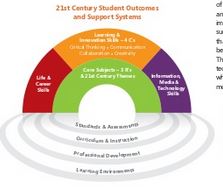
I like to the text about ICT and its power to transform classrooms when it real, relevant and exciting. Ollie doesn’t preclude programming – far from it! I need to scratch my head over how we do this for pupils with special needs with limited cognitive ability if itsn’t to become a token exercise. This marries the experience I have of pupils with disabilities using ICT as a life skill eg electric wheelchair. Using control programs were a key element for me when teaching pupils how they might be able to learn to do the following skills eg reverse around a bend, obstacle avoidance when encountering them in the classroom or corridors. Surely, this has more relevance for SEND pupils in terms of programming ….. sense an article of programme of skills coming on that may be helpful for special schools and settings struggling with the concept of computer programming for pupils with the most complex cognitive needs!!
Apple App – Over
This is a cool app for writing captions over your images. Easy to use and would make a good tool for creating static photographic presentations. You can add on more fonts and symbols to use with your photographs. Here is one I did earlier:-
New Terminology for me – SEND
Not just being politically correct but there is a new terminology to share
SEN & Disability = SEND
Presumably to cover what was once called Severe Complex Needs.
 AccessAbility Solutions