Making Google Maps use an English Voice

It irritated me to have an American voice on my google maps and my wife’s google maps had a British voice. I tried changing it in the settings on Google Maps and it just didn’t work. So here is how to do it. It’s done in your iPhone’s settings

1. Go to Settings

2. Then General

3. Language and Region

4. Set the region to United Kingdom

5. English should be the preferred language for your iPhone and your map should have an English voice!

Leeds BDA Parent Child Workshop

Doing a dynamic duo with the amazing Arran Smith. Might go off-world for a Virtual Exploration. Making the tech work for creative purposes.#morethantyping.

The day began with the trailer for “The Power of Assistive Technology.” Arran explained what Assistive Technology is and demonstrated some products. A new text to speech tool has been made called “Readable” which pretty much speaks everything even rich text. I think it can also be a screenreader.

Then I introduced a 360 virtual museum called “ThingLink” it’s a brilliant tool that allows Immersive Reader to read it back. We looked at Spoken Content in Settings-Accessiblity- Vision.

I took some notes in Google Keep. Mainly shortcut key combinations that Arran mentioned. Here they are:-

Microsoft Windows Shortcut keys

Windows Key + U

Global dictation
Windows +U

Emojis
Windows Key + . (Full stop)

Word.doc.new – produces an online version of Word

OneNote.com for using one note yourself

Apps featured ( free)
Poplet Lite – Simple mind mapping
Thinglink.com – creating hot spot links on images
What3words.com – mapping using 2 separate words – we didn’t actually look at this but I thought I would add here for interest.

VR and AR
Real MYST (£6.99) adventure game https://apps.apple.com/gb/app/realmyst/id524988885

In the afternoon I took people on a virtual explorer by using a mindmap to get them to think about different roles and use some apps that could enable them to create 3d mapping, augmented reality. Still loads to show and share that the computer can do that’s more that writing. We used an app that’s adventure-like called “realMyst.” Tim Ryland’s used this in Chew Magna Primary to improve pupil’s literacy skills by 3 levels. Impressive achievement. Getting the pupils to think about what they were seeing, the weather, even what it might smell like! Try this yourself. Other possible sources would be ” Epic Citadel, ” to explore. The idea is to use it for creative writing and problem solving. Not one for people who get frustrated easily.

If you would like my powerpoint slide set there is a link here:-

Getting the best out of the tech.pptx

List of iOS Apps and where to find them

Notability​ £free – note taking app –https://apps.apple.com/gb/app/notability/id360593530

Read&Write ​-£free – keyboard addition for spelling and word prediction

https://apps.apple.com/gb/app/read-write-for-ipad/id934749270

ClaroSpeak+​ £9.99 iOS & Android- wordprocessing, text to speech and word prediction ,

https://apps.apple.com/gb/app/clarospeak-plus/id845128025

Claro PDF​ – £free – iOS & Android read out pdf files and annotate them

https://apps.apple.com/gb/app/claropdf-image-to-pdf-reader/id666770153

Remember The Milk​ – £free – IOS and PC – for organisation – to do list reminders

https://apps.apple.com/us/app/remember-the-milk-to-do-list/id293561396

Widget Writer​-£free – symbol processor for non-text readers

https://apps.apple.com/gb/app/widgit-writer/id1142926801

Glean ​Notes – £free – iOS and PCsmart note taking involving active listening – subscription based

https://apps.apple.com/gb/app/glean-notes/id1498045022

Claro ScanPen​- £9.99 – iOS & Android -smart scanning of any printed text to speech.

https://apps.apple.com/gb/app/claro-scanpen/id994933713

Popplet Lite​ – £free – iOS and PC -simple mind mapping – also on PC

https://apps.apple.com/gb/app/popplet-lite/id364738549

Speaking Email​ – iOS & Android – £free but subscription based for voice features – designed for use in cars when travelling but not something to encourage!

https://apps.apple.com/gb/app/speaking-email-voice-reader/id991406423

Book Creator​ One – £free – create your own books really useful for making text easy and purposeful.

https://apps.apple.com/gb/app/book-creator-one/id661166101

Easy Dyslexia Aid​ – £2.99 – spelling aid

https://apps.apple.com/gb/app/easy-dyslexia-aid/id1088194043

Correct Spelling​ – £free but with a subscription – for spelling correction older pupils

https://apps.apple.com/gb/app/correct-spelling-checker/id1481028375

Class Timetable​ – £free – two-week timetable and homework organiser

https://apps.apple.com/gb/app/class-timetable/id425121147

All apps correct at time of publication

What was neat we used one log in for everyone so that all our explorers could write about what they have seen and experienced in realMyst. Really awesome.

If you would like a copy of the popplet we used with a bonus for finding out about people here is our link for that:-

https://app.popplet.com/#/p/7436717

So have fun trying out these things!

Mini-Guide on Assistive Technology

Soft published today at #nasenlive2023 a mini guide to help SENCOs and teachers use Assistive Technology effectively and strategically. Written by Julia Clouter of Scanning Pens and myself . Proud of what we have achieved. Get your free copy at https://nasen.org.uk/atminiguide. if you are not a nasen member you will need to joipn nasen for free first then download the guide

Smart watches may help detect Parkinson’s Disease

www.bbc.co.uk/news/health-66088110

More security information and guidance on Smart Devices

fraudandcyberawareness.safeguard.hsbc.com/Standard-Article/78e2b644-3f12-4806-a25b-37b57f8a41b1

Useful advice on Cybersecurity in the Home

fraudandcyberawareness.safeguard.hsbc.com/Standard-Article/8188da8c-6d5a-4cd6-b9f5-a382aa4e75fd

Summer of fun and conferences

It looks as if I will be travelling throughout this summer outside of the UK.

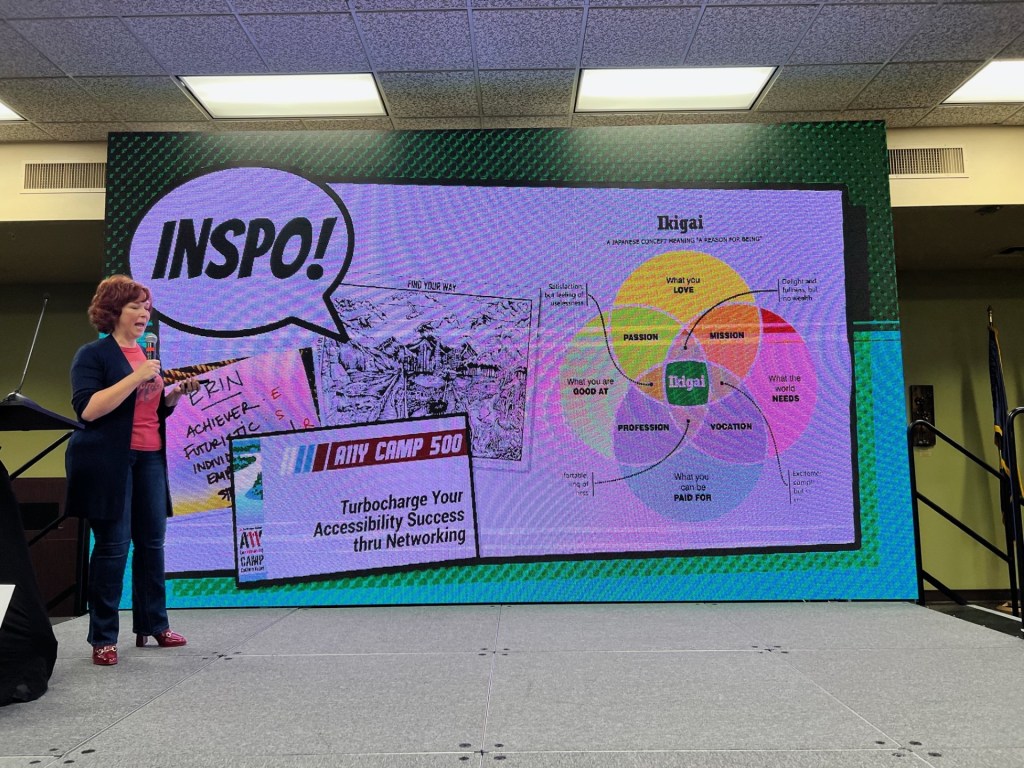
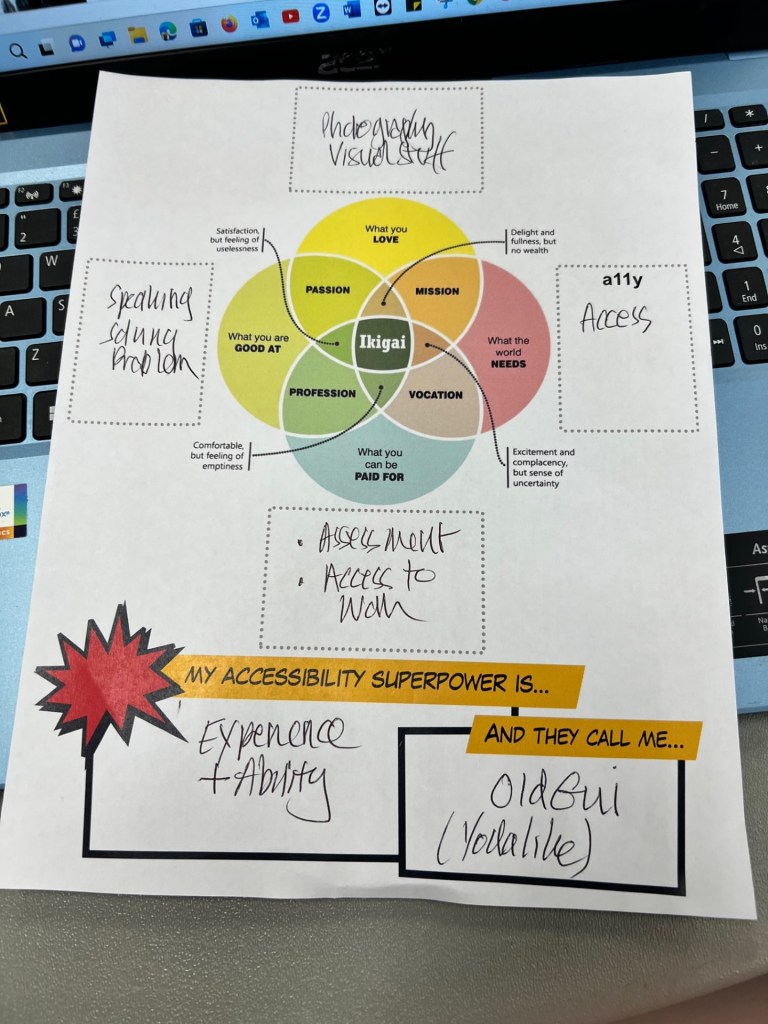
In August I will be attending the A11y Accessibility Conference in North Idaho at the invitation of my good friend and colleague Jeremy Seda. If you want to join us please click on the conference link above. I will be speaking about the BATA project “The Power of Assistive Technology ” film series.

In September I have been invited to speak again at the ABLE Summit in Beirut, Lebanon. Same subject but different audience. I hope it will transfer to different cultures as the message is Assistive Technology transforms lives. Again if you are in the Middle East and want to join us click on the title link for further information.

I feel extremely fortunate to have these opportunities at the later end of my career and look forward to seeing old friends and make new ones too!

At home I have BATA’s AGM and nasen live to attend. At nasen live I am there with Juliua Clouter who is speaking on our joint collaboration the nasen mini guide for Assistive Technology. This work compliments The Power of Assistive Technology project and provides part of the strategy by helping SENCO’s to implement Assistive Technology into their settings.

The Power of Assistive Technology film series features pupil voices explaining how their journey with assistive technology has changed and transformed their lives. It’s a honest snap-shot of where we are in schools on the use of Assistive Technology. We hope to release this series in September but click on the title to see our teaser about the project on YouTube. Please share the link through your networks.

Be My best self

Dolphin have released a tool to enable the first steps of discovering what kind of technology would best help you. It is not diagnostic but a signposting tool to begin a journey of finding the right assistive technology to meet your needs in work, home and community. To find out more go to:-

https://yourdolphin.com/Be-My-Best-Self

Return to AI

I have published several posts on Artificial Intelligence but this article on LinkedIn shares my current thinking :-

https://www.linkedin.com/pulse/better-questions-give-answers-myles-pilling-ba-m-ed-?utm_source=share&utm_medium=guest_mobile_web&utm_campaign=copy

BAME Vision

I share a common goal with the above group in that working with ethnic minorities is something we should all be doing as they are , in my opinion, under represented in Assistive Technology. Take a look at :-

https://bamevision.org/news-and-events

And also this podcast

https://open.spotify.com/episode/29JxS3ukrOJL5qgG8IZmJb