Making use of Android Mobile Devices

Sorry its been a while since I wrote a blog. This is partly due to Christmas and partly due to not having time to write something. That aside I’d like to share some ideas on how to make use of small 7inch Android mobiles like the Nexus. Being known by others as the “IT guy” I have been getting equipment from a retired gentleman! He has handed me a few linux and Android devices. So I embarked on a project to discover how to use them.

What I like about them is their size and the screen display. Both are ideal for ebook readers and with the Kindle app I can take my books and daily reading with me wherever I go! They are great for that and would encourage anyone with these older devices to consider using them for that.

I thought having just a back facing camera a disadvantage but then its ideal for using as a communication tool as for Skype and Zoom. Zoom if you don’t know is a great communication tool that doesn’t drop signal like Skype tends to do now as its a busy service.

You might also wish to make some notes or list some jobs to do. Google Keep is brilliant for that. I have even made notes at conferences using Google Keep. Using services that span any device means that goes with you wherever you login or whatever device you use. This is handy if you have a device you use but it wasn’t the one you had that note on. Bummer! Not so with cloud-based services. Login and pick-up where you left off!

Amazon Music has impressed me when I discovered that I could stream a range of different artists on my Nexus and to create playlists that I could login to and use on my other mobile devices. But you do need an Amazon Prime account to do this!

I haven’t done this because I don’t need to but there is the possibility of streaming media such as Amazon Prime Video and Netflix through this little 7 inch screen. The smallness sounds restrictive but when on a train or plane with not much room this is ideal especially immersive if you have a headset as these devices come with an ear socket.

So… make the most of your older tech! Give them a new lease of life by designating them as ebooks, communication tools and media streamers!
 

We’re on SENDirect

sendirect-aas


Please tell any parents you know. SENDirect is a one-stop shop for services.Sometimes you just need to some advice? Talk to someone who has experience and knowledge. As an Assistive Technologist I find when sought for advice this is well received and is useful in many areas of a child with special needs life. ICT SEN is fast paced and changing area as each week new application and uses are being made! It’s an exciting area to work in but can be challenging for parents who might not know what to ask or where to go? Maybe I can be of assistance. Here is my page on SENDirect or contact me throught Facebook, here  on via Twitter @mylespilling

AAS on SENDirect

Fontmania 

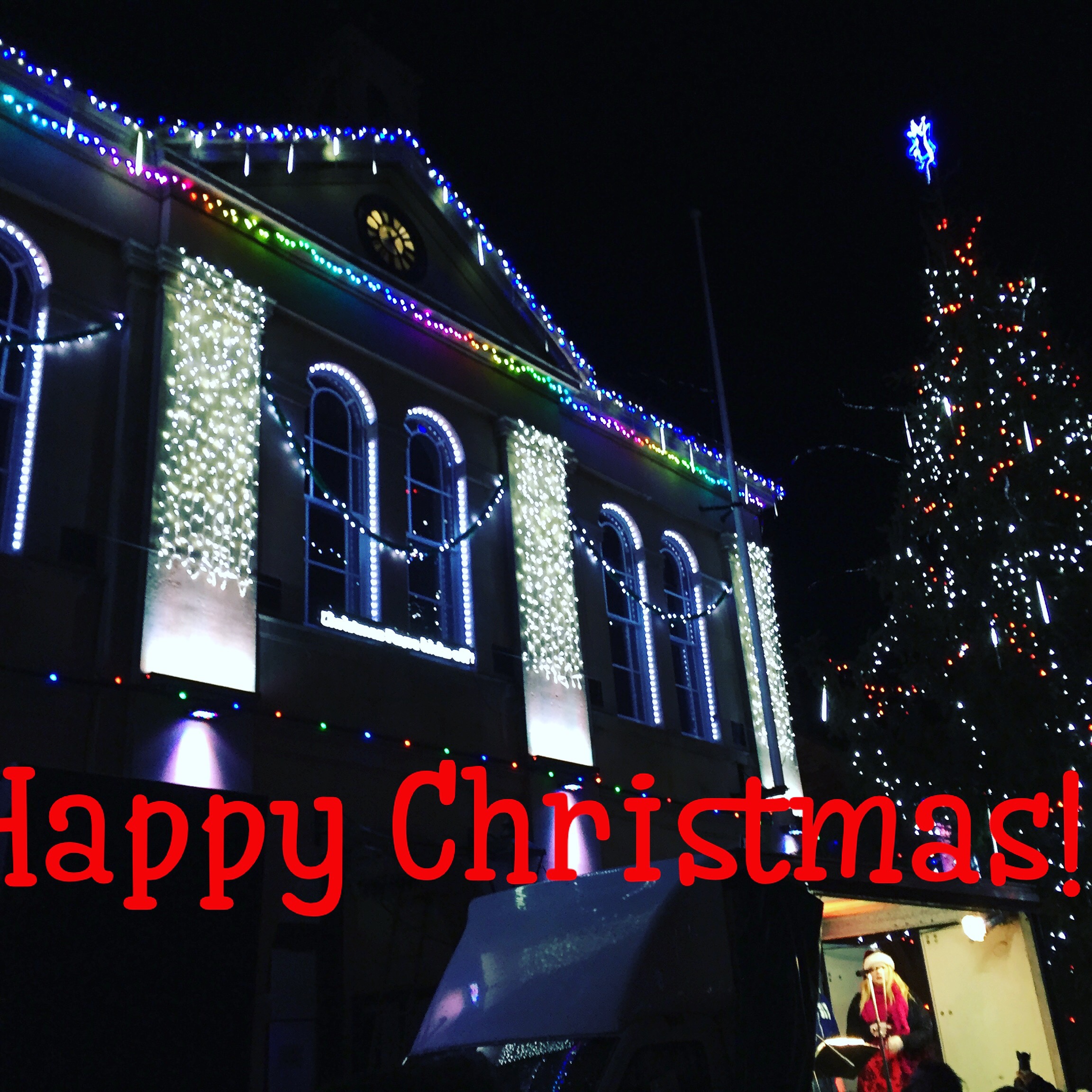
Fontmania £3.99 iOS is a useful photographic app to write text across and to make Personalised messages to people . You can use a standard set of stamps which seems to be biased to coffee lovers! Or create you text like this:-

Twitter “Goes live”

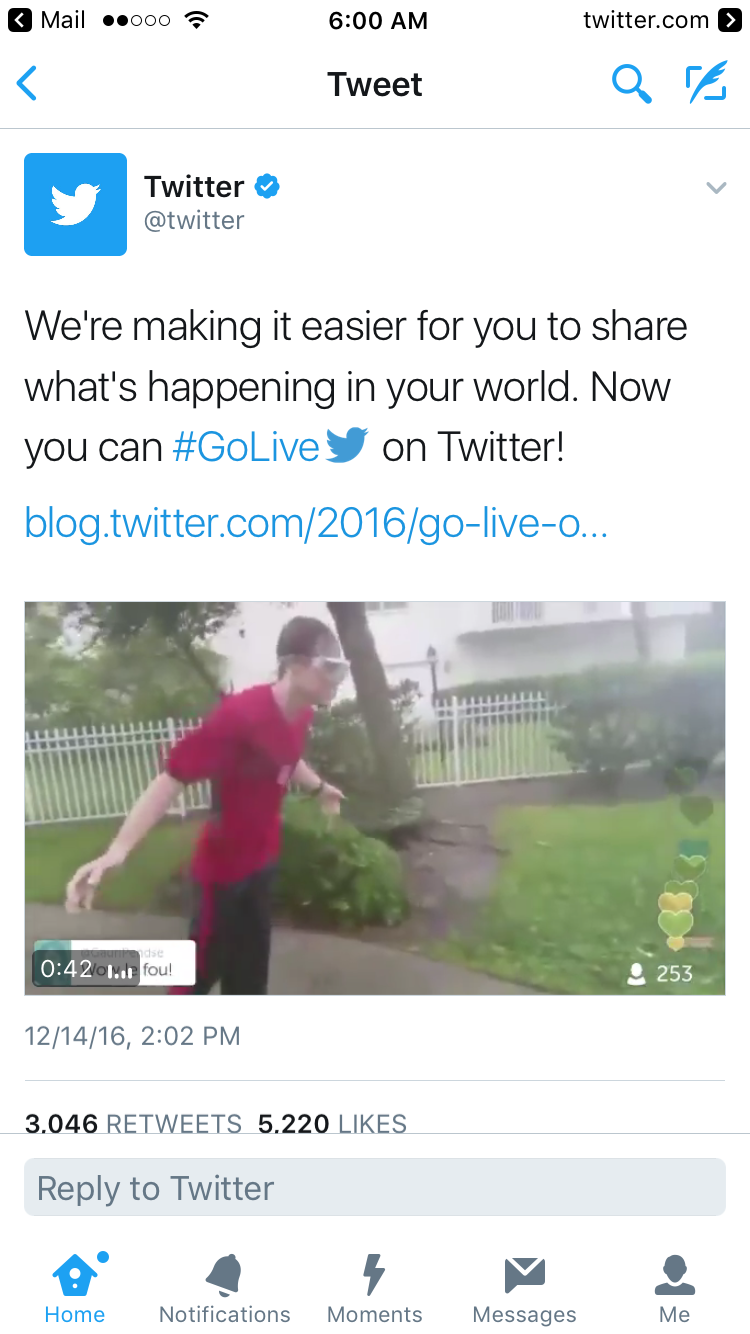
Ever since Periscope social media giants have been falling over themselves to produce a similar app. Facebook were the first and now Twitter has followed suit:-

Choose it Maker Christmas activities

Those lovely people at Inclusive have some Christmas activities available for Choose it Maker users. Just click on the link below for these free resources:-

http://www.helpkidzlearn.com/?utm_source=CM3+Christmas+Freebies&utm_campaign=CM3-Free-Christmas&utm_medium=email

Two Ways to Grade Short Answer Questions in Google Forms

https://www.bloglovin.com/blogs/free-technology-for-teachers-1315757/two-ways-to-grade-short-answer-questions-5317707111

Special Effect 

Special Effect is s charity setup to provide access to gaming for people with physical and complex needs. Why should people be denied access to gaming because of their disability? Of course they shouldn’t and so I applaud this charity and Mick Donegan for their sterling work in giving so many people joy in life through gaming! 

Take a look at:-

Special Effect

Scanning Pens into the US

Scanning Pens have been around for a good number of years but that doesn’t mean their products are outdated. Quite the contrary. Listen to this video about their work into the US. From my experience of hearing what these pens can do it is providing affordable, portable and workable solutions to situations such as Exam settings.

5 Top Apps For People With Limited Mobility

https://www.bloglovin.com/blogs/assistive-technology-blog-9539073/5-top-apps-for-people-with-limited-mobility-5314538889

Windows 10 Accessiblity

Microsoft have a list of useful accessibility functions :-

https://www.microsoft.com/enable/products/windows10/