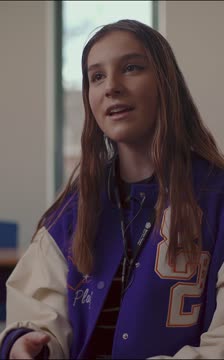
Found this interesting with Conor Ward of Brain in Hand on the present situation of understanding autism not as a deficit, but as a strength – particularly in the workplace
Click below to watch the Sky News Interview:-
has ceased trading – but still producing valuable assistive technology information
Found this interesting with Conor Ward of Brain in Hand on the present situation of understanding autism not as a deficit, but as a strength – particularly in the workplace
Click below to watch the Sky News Interview:-
Microsoft has released a new version of Outlook which visually looks simpler and faster to use. The drawback I have found is that it takes Mail to be more like Outlook app and therefore more complex menus for blind users to access.
Also, I found that my freelance companies who use their own servers you have to go to the web version. The Outlook app doesn’t alllow it now! Grrr!! You have the options to go back to the old version which alllows you to keep all mail clients in one place.
Microsoft have said they will transfer across Mail to the new look Outlook on the 15th January 2024 in a rather forceful and scary way to us. So we will see if my blind client can access it. If not it will be much more complicated for her. This brings me to an ethical point in that should we not have the choice to change our outlook according to what works for us? If that is taken away it may result in less functioanlity than we had before.
Keep you posted in that one as well!
Netflix is well known in the blind community for excellent access to films with audio description on numerous films. If you use a smart tv with voice recognition you can search for films and play, pause and rewind.
If you use a remote you should have no trouble accessing netfllix if you are blind or visually impaired. But what if you have no hand function and are blind. This presents some obstacles. The visual menu system Netflix makes scrolling through the films difficult. Even with smart tv accessibility with the LG model frustratingly the voice output stops. The only reason it stops is it doesn’t seem to respond to the latest Google Nest. I am still working on it.
So the present solution with my blind physically disabled client is to use her possum which is a device with limited navigational options but at least I have made the options simpler by moving things around. Commands such as Home, Select, Up/Down, Left/Right are important and have to be learned.
Introducing a new skill takes time and regular practise. All in good time! I still don’t understand why Google Nest won’t completely control Netfliix. My client also lost the power to switch on the TV but she cleverly set a timer to start the TV – like 5 to 10 seconds!
This project will take time to bed in and will keep you posted on this journey of discovery.
Here is a little heart warming video to wish you a lovely Christmas and a truly blessed and prosperous New Year !
Feel pleased that with a little bit of ingenuity we have a working solution for a young Cerebral Palsy man who is about to attend college.
On assessment, it was clear my initial thoughts about voice control wouldn’t work. The young man in question vocalizes but it is far from clear. So an alternative input is required. He uses touch well and therefore screen access is possible, but with accuracy that is difficult.
His wheelchair access – a joystick – does actually give him access and so we connected it to Bluetooth on his Lenovo M10 Plus which is slightly bigger than it’s usual counterpart by a couple of cm’s around. That does make a difference for users. Something portable was needed and so giving this as a solution means that he can easily have it with him. A non-slip material to help with keeping the position.
He uses the left and right button icons on his wheelchair as this make allows computer access which is wonderful for a great solution. A win win for him and for me in providing a workable assistive technology solution that did scratch our heads for a while until we took apart all the needs and built a better, cleaner, more effective solution.
If you need an excuse to keep using the Chrome browser then look no further than this gem of an extension. Free to use to up to 25 little videos this could be an excellent tool for teaching and learning remotely.
Videos can be shared over social media to LinkedIn, Google mail and X (formily known as twitter). Sadly you have to pay for a download option. Great little tool though. Here is the example I recorded early as an embedded video
What is also good for those who need captions is that it can be switched on and enabled as well as giving real-time reaction emojis. Also comments can be left in realtime to the user.
Do you have difficulty setting up a smart plug to work with your voice? Then listen to this cautionary tale.
https://www.podbean.com/ew/pb-2mpug-150d385
If you need help with getting your smart plugs connected to a smart speaker then please contact AbilityNet who have nationwide volunteers who can help you for free.
The films are released and available for schools and education settings who want to use them. They are free and can be used either as a series or stand-alone episodes each lasting approximately 20 minutes.
Here is a snippet to wet your appetite for this film series
If you want to learn more of Kiana’s journey them please go to :-
http://bataonline.org/impact and click on “Give Me Access!”
Just a couple of hours till the film series “The Power of Assistive Technology ,” is released at 9:00 am on the 21st November. A series of 3 films demonstrating the power of assistive technology to transform the lives of pupils.
To obtain your free access to these films go to http://bataonline.org/impact to sign up .
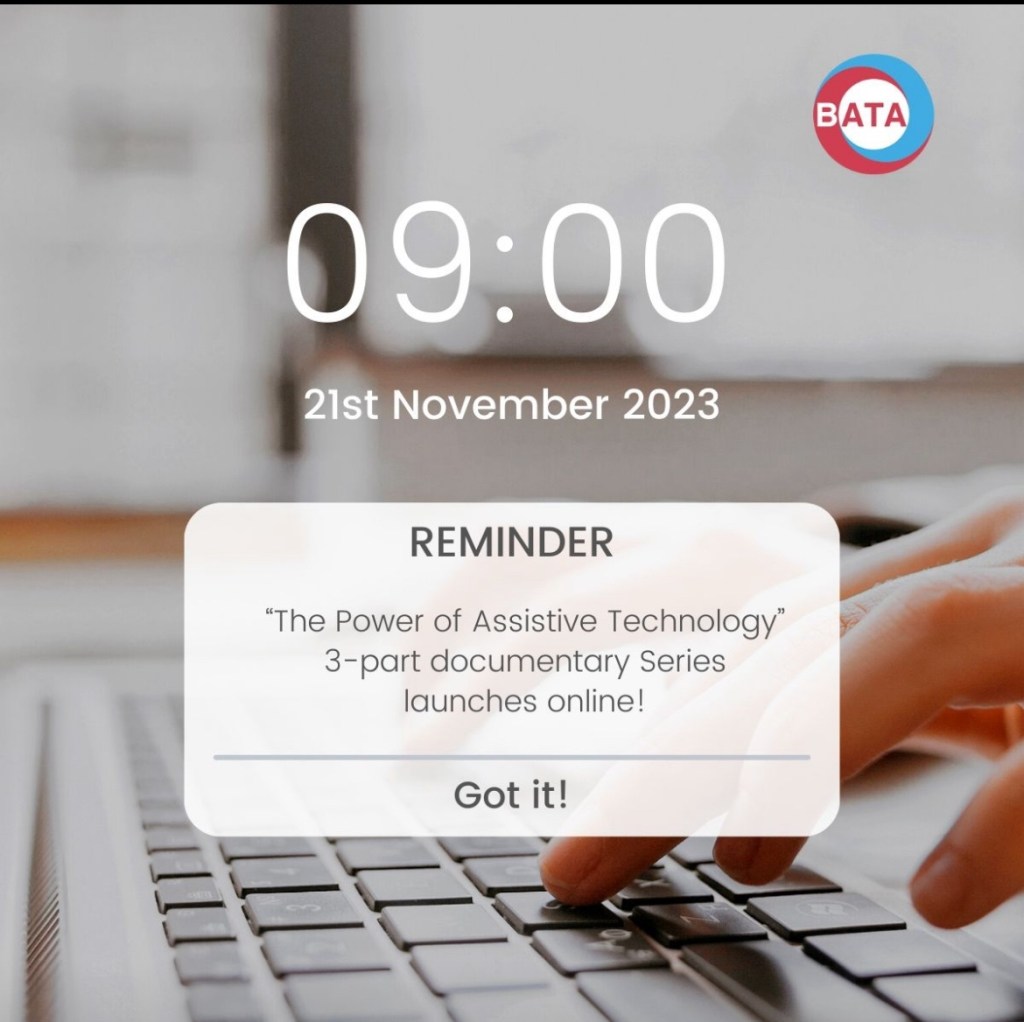
For the past two years I have been working with BATA ( British Assistive Technology Association on producing films for schools that show the power of assistive technology. These 3 films are for staff meetings, INSET days, Teacher Training and Assemblies. Each film can stand alone or be used as a series. They last between 15-20 minutes to allow time for discussion. For more details and to express an interest go to https://bataonline.org/impact