Free to watch and learn from are these webinairs on such subjects as eye-gaze. Follow the link below:-
Author: AccessAbility Smyles
Specialist ICT SEND Consultant,
Committed Christian,
Loves photography and computing
Plays piano and guitar - both badly!
iPhone 6 glich
Apparently when sending a message and you use a non-latin script the iphone jams. Here is an article explaining what this is about:-
Widgit News Bulletin
This information came in today through my emails:-
 Widgit Bulletin – May 2015
New Talking Assessment App
‘Expressive Language’ is a new app to help you assess children with possible speaking difficulties.
Ideal as an initial screening tool, ‘Expressive Language’ provides useful assessment information around the child’s ability to use spoken (expressive) language.
‘Expressive Language’ assesses a child’s expressive language skills by using a range of different questioning techniques. Assessment records and analysis features give you an overview of a child’s spoken language skills, making the app a great tool to use while waiting for a formal assessment.
£24.99
For more information and to see our other assessment apps, visit:
www.widgit.com/products/language-assessment

 New French language add-on for the UK SymWriter
Create French symbol documents and environments with this language add-on for the Uk version of SymWriter.
By adding symbols to the text, learning becomes much more visual for the students and will support vocabulary development.
This add-on comes with a range of ready-made environments and templates which will support students at the early stages of writing in French.
From £40
For more information, visit:
www.widgit.com/products/french_addon_symwriter


Puffin promotion!
The Puffin on the Beach book is now available at a new lower price of only £5!
This symbol storybook is perfect for cross curricular themed topics, especially around a seaside, summer, nature or bird theme.
A CD full of fun and educational resources is also available to support a wide range of themes or topic areas. These engaging resources inspire teaching and learning within primary education.
- Single book £5
- Set of six books £28
- Resource CD £20
- Single book and resource CD £22
- Six books and resource CD £48
(plus P+P)
For more information, visit:
www.widgit.com/sam-and-hollie
Please note: These prices are only available if you quote PUFF15 on the phone or via email. This offer is not available on our online shop. Share the code! Tell your friends, family and colleagues about our promotion.
Offer ends 31st July 2015.

Free Summer Resources
That time of year is on its way – are you ready? Widgit have a range of free resources to help you plan for the summer.


Holiday Vocabulary
A pack of flashcards for learning holiday vocabulary:
www.widgit.com/resources/seasonal/holiday_vocabulary
Summer Pack
Activity pack based around the theme of Summer:
www.widgit.com/resources/seasonal/summer
Summer Planner
Weekly planner templates to help plan activities over the summer holidays:
www.widgit.com/resources/seasonal/summer-planner
Summer Weather
Activities, stories and worksheets relating to the weather in summer:
www.widgit.com/resources/seasonal/summer_weather
Training

Sign up to an online product training session presented by a member of our Technical Support team. If you’re new to Widgit, these interactive sessions are ideal to help you get started.
All training sessions start at 4pm.
Upcoming dates:
| Communicate In Print – Flashcards | 9th June |
| Communicate In Print – Making Tables | 10th June |
| Communicate In Print – Basics | 11th June |
| Introducing SymWriter 2 | 16th June |
For more information:
http://www.widgit.com/training/online
Widgit Software
26 Queen Street, Cubbington, Leamington Spa, Warwickshire CV32 7NA
tel: 01926 333680
email: info@widgit.com


To subscribe or unsubscribe, please visit:
http://lists.widgit.com/cgi-bin/mailman/listinfo/widgit_general
Adobe Sketch and Storehouse

Just been using this new free app called Adobe Sketch. The different tools are intuitive and responsive to making great images. My efforts may not be high art but it demonstrates some of the effects you can use. Along with this there is Storehouse which is a great app for making illustrated stories. I have published a couple of stories about art on an iPad and on Brighton Marina
https://www.storehouse.co/stories/p1fxj-brighton-marina
Storehouse is also free and provides interesting magazine style stories.
Inclusive – Matrix Maker Plus
An AAC software that is on offer this week. If you want to you can have a free trial of Matrix Maker Plus which makes printed materials for communication aids and teaching aids. To see the offer go to:-
Another Ninja365 tip – need to recall an email?
Ever sent an email and wished you hadn’t sent it. Well if you have Microsoft Outlook 2013 and the person you sent it to has that as well then you can:-
nasen Special magazine article
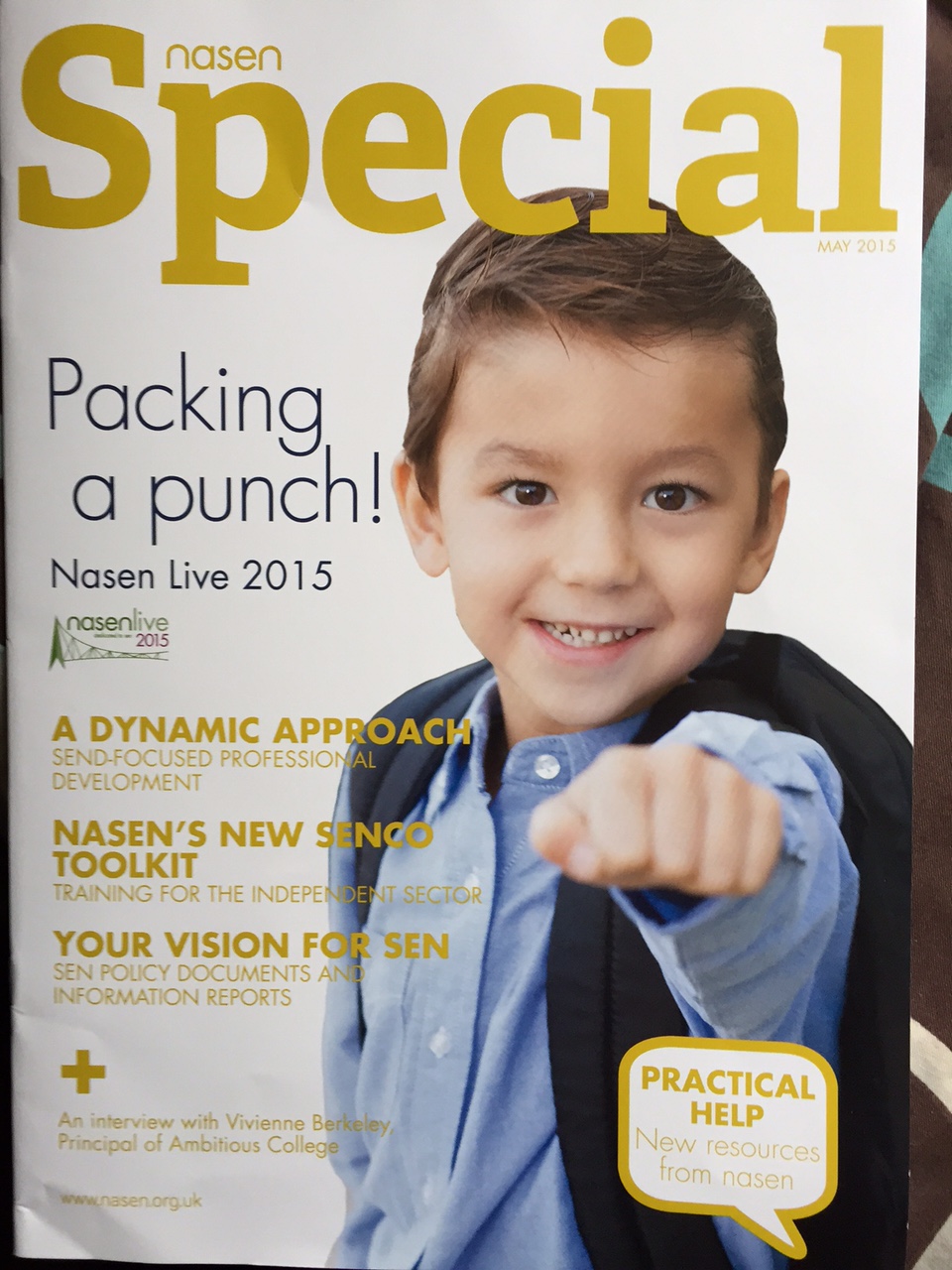
This month’s nasen special magazine features an article by me on the new computing curriculum and tools to use for developing Computer Programming for SEN and Severe and Complex needs. The article is titled “Puzzled by Programming?”
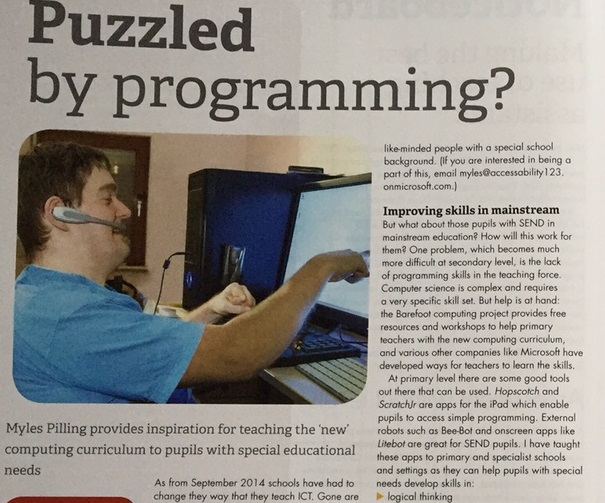
You might want to check out some links here for links to programming websites that I have found useful http://www.pearltrees.com/mylespilling/programming-tools-for-kids/id9988430

Bundles for your iPad from inclusive technology
if that then
Yes, you read that correctly “if that then” sets up alert systems with other social media eg. how much time you spend on the internet , rain alerts for a specific location, becoming famous on the internet. There is a lot of Android based content but that may be due to me using my chromebook to write this! What I found interesting was being able to learn about services I have seen before but never used. reddit , for instance ,which appears at the bottom of this blog. This is a social media site that provides a flow of information either for you to see or to subscribe to. Basically a feed service. If you are a social media user like me and in the business of giving out advice then reddit may be useful to you. That is one example . Many others are there for you to find.
Sway.com – a way to tell a story – great for sequences
Sway.com is a free microsoft cloud-based product. You will need to use your Microsoft Live Account to access it and for an example to see what it can do look at:-
You will see the editor at the top of the screen click on “Preview”
It is designed to making content easy to find from a variety of sources. This is a really great tool for finding the image you really want to use. I think I may prefer this to powerpoint for some uses!

