https://www.podbean.com/media/share/pb-fisri-d491c6
Recording live speech, talks, lectures and lessons
Author: AccessAbility Smyles
Specialist ICT SEND Consultant,
Committed Christian,
Loves photography and computing
Plays piano and guitar - both badly!
Robot worker helps disabled person to remote work
This is a very good example of how technology can enabled people with disabilities to remotely work .
App Mapping Database
For many years I have been making this database which lists useful apps according to the National Curriculum, P Levels and 7 levels of engagement. You can either view the database live or download a searchable google sheet.
This will provide you with a comprehensive list of useful apps to use with your pupils. We want you to add your own apps as well if it’s not listed. The list is continually being added to. Click on the link below or just go to the “Apps” tab
To download the latest update as an Excel file click on the link below:-
Episode 15 – Helping the Blind
https://www.podbean.com/media/share/pb-v92zh-d37af7
Some hints and tips on giving support to the blind on their Assistive Technology
Episode 14 – The Art of the Webinar
https://www.podbean.com/media/share/pb-pcr4v-d2a910
The ability to multitask and not get phased by it all
Episode 13 – Clicker 8
https://www.podbean.com/media/share/pb-z5s4i-d1f4ae
Clicker 8 is a game changer . The well known inclusive tool .
Achieve Now
A useful website for pupils, parents and professionals to take a look at is Achieve Now. Caroline Bateman has set this up in response to her three dyslexic children. Here she writes:-
“My website also helpful information but as a sizeable amount of people using my website are dyslexic I’ve decided to create a YouTube channel instead. Until the YouTube channel is ready check out the resources section of my website.
Text-to-speech is incredibly helpful for anybody who struggles to read. It’s free on all devices but how you access it differs.
I give you the link to my YouTube channel now. If you subscribe and hit the Bell you will be notified when I launch.
Andrea Communications Headsets
Interesting headsets for schools and rugged use
https://www.teachwire.net/best-of-bett/andrea-communications
Prices and availability can be found here at https://andreacommunications.com/
BETT 2020 Show – Part 2
First stop of the day was Crick Software. Clicker 8 has just been released and is a game changer. It has number of new additions to the software to mention. Cloze procedures is now included. Remember Cloze Pro? I used to recommend it for my supported pupils. Now it’s included as part of Clicker 8. Sorry about the shaky photos – too much coffee!
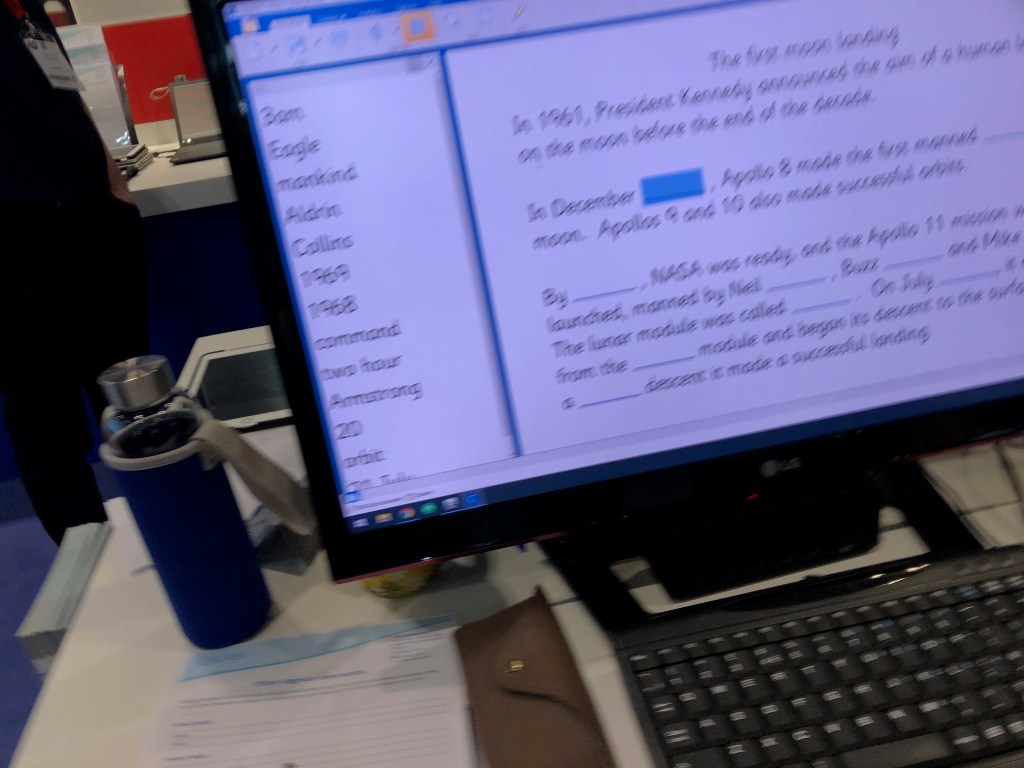
There are more analytical tools included to help teachers see what pupils have written. The interface adds as it goes along which is great as an ongoing assessment tool. Also all those add on packages like Find Out and Write About and Planet Wobble, etc are now free on learning grids to use. Licensing has also been given an overall and their Clicker Writer app can be purchased for the whole school site to be installed on all devices. I suggest you contact Crick for more precise details of how this works.
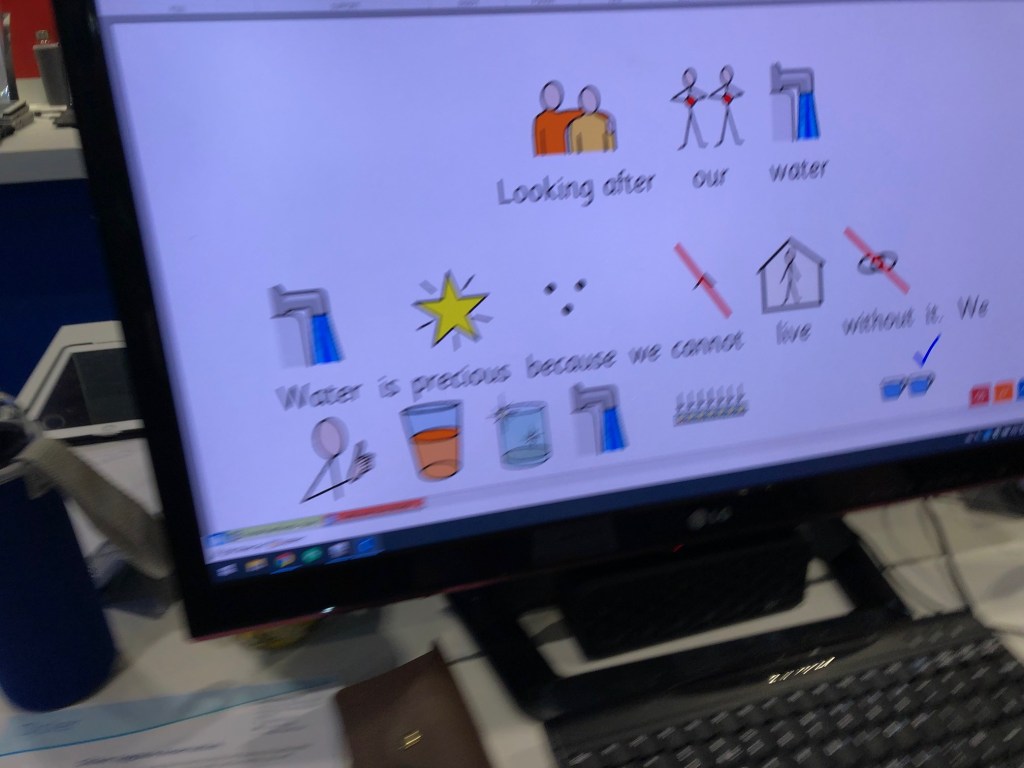
All accessibility tools are now visible on the toolbar – not hidden in anyway. One further thing that is going to be very helpful is to picturise grids and documents. The whole process of writing with symbols can be much more useful.
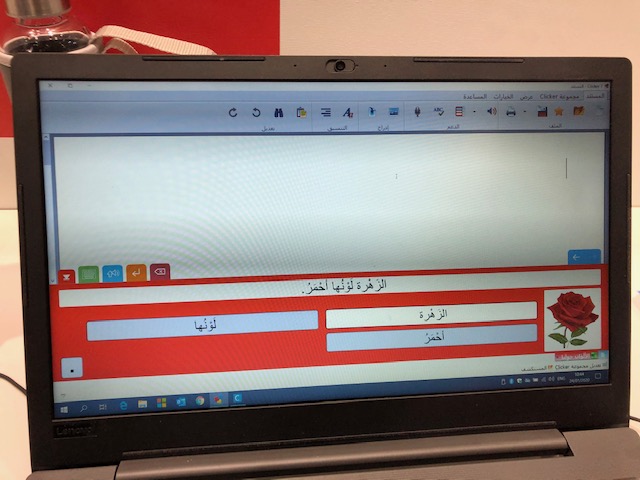
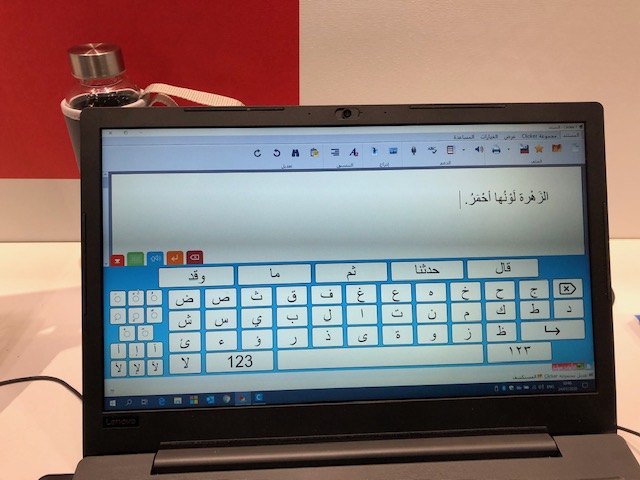
I spoke with Phil Hackett at Crick and he showed me Clicker 7 in Arabic – soon to be in Clicker 8
Even the keyboard as the right accents on them,
Lexplore is a diagnostic tool and an interesting use of eye-gaze as a tool to find out directly from the pupil what they are displaying.
Our good friends at texthelp have a new product called WriQ which is a writing achievement tool that could be used to assess and motivate student writing giving clear progress over time. Students can visualise their writing progress in real-time, achieve positive and immediate feedback on their own writing and track their own writing progress over time .
I popped across to the google stand and was attracted to their accessibility stand within the google stand. I was impressed to find a whole list of support commands available online. if you haven’t tried text to speech then you must use it! It will change your perception and get pupils writing. Go to support.google.com and type in “Voice Commands” in the search window to find them. Their are so many useful built options that even my 6 year old chromebook can use. It’s brilliant!
Reading for Pleasure is something of a rarity for pupils to do. Reading, especially for boys, is chore rather than a joy. So how about getting kids to review books? That’s what Browzly does. You can sign up for a free teacher account at http://browzly.com . It was walking into the TARDIS when I began to think how this could be used. We considered the possibility of children with special needs writing their own books and publishing them through browzly to be peer reviewed. We discussed file formats from PDF to MP4 and they are willing to consider open up different file formats in the future.
Having visited Google I visited Microsoft and spoke with Made by Dyslexia who have two training courses available to access for teachers and support staff to learn how to help dyslexia learners and the best approaches to use with assistive technology. Download videos and reports and posters to publicize the dyslexia advantage .
I know Google Translate is used but how about Microsoft Translator which I think is brilliant for the deaf community and as an instant translator to the wider community. It is instant and seemless and so much better to use in class as well as 1:1 with pupils with disabilities like deafness and those whose first language is not English. Another app recommended by Carol Allen is Speechify. This can read out any text in an understandable voice.
Lastly, I visited Immersive Classroom a company that setes up 360 immersive rooms. They also supply content on request. And is truly immersive in a way that VR sets cannot be. It’s a modular system that can suit any setting. I recommend for any school or educational environment who want a mixed reality experience. Truly immersive.
Shoutouts to other companies like Eton.News which is not a local paper but an electronic newspaper generator which can develop writing for a purpose and an audience in producing a high quality product . All online. Look at the printed examples and see the possiblities for your setting. A-dapt looks interesting as well , although I didn’t get to talk or even see a demonstration the of using ai technologies to analyse student emotions and student engagement may help autistic learners.
 AccessAbility Solutions